AI Baby Photoshoot Prompts
 AI PHOTO PROMPTSAI BABY PHOTOSHOOT8 COPY-PASTE PROMPTS
Babies change so fast that by the time you book a studio, your little one has already outgrown the outfit. If there is no studio nearby, or you simply want a few creative extras next to your real pictures, a gentle baby photoshoot prompt can turn one clear snapshot into a soft, dreamy scene for the family album.
These eight prompts are for parents and family members using Gemini or ChatGPT image tools. Only use photos of your own child or a child whose parents agree. The babies are always fully dressed, comfortable and safe in every scene, and no scene places a baby in anything risky like high places, deep water or heavy props. Keep the real baby on the floor, in your arms or in a safe cot while you take the original photo.
AI pictures are creative extras, not real moments. Results vary, so retry if the face or hands look odd, and always compare with the real photo to be sure it still looks like your little one.
- Copy-Paste Prompts
- Which baby photo should I upload first?
- What makes a nursery scene look soft and safe?
- Why does the baby look like a doll?
- How do I caption pictures and print an album?
- How do I check a baby picture the way grandparents would?
- Can I make a month-by-month milestone series?
- Is a cake smash prompt safe to copy in real life?
- How do I protect my child's privacy?
- FAQs
Copy-Paste Prompts: Baby Photoshoot Prompt (8 Ready Ideas)
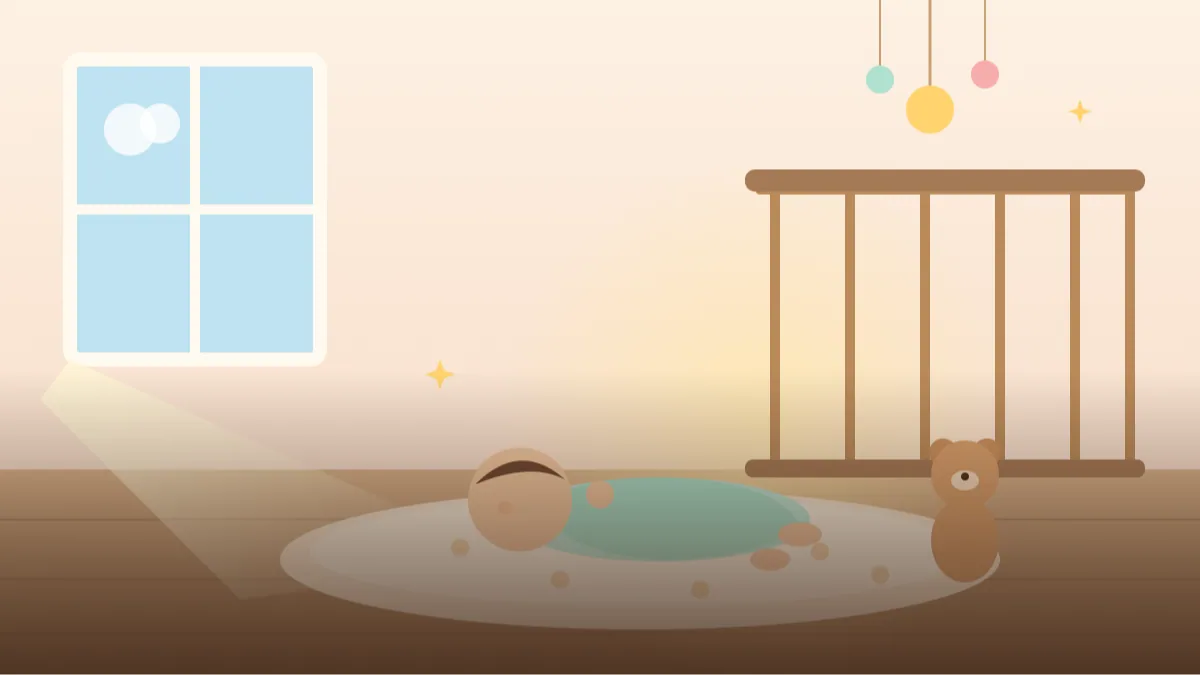
1. Pastel Nursery Morning
Use my attached photo of my baby and keep the baby's face unchanged.
SUBJECT: baby lying on a soft cream blanket, calm eyes open, tiny hands relaxed.
OUTFIT: plain cotton onesie in pale mint.
SETTING: bright nursery corner with a wooden crib blurred behind and a small plush toy.
LIGHT: soft window light from the left, gentle shadows.
CAMERA: 50mm, from above at a slight angle, shallow depth of field.
STYLE: warm, clean, natural newborn lifestyle photography.
AVOID: text, props that look unsafe, harsh shadows, extra people.
Keep the colours pale. Soft pastels make baby skin look natural and warm.
2. Sunflower Field Sitting
Use my uploaded photo of my baby and keep the face unchanged.
SUBJECT: baby sitting on a thick woven mat, smiling, supported by cushions.
OUTFIT: yellow cotton romper and a soft sun hat.
SETTING: gentle sunflower field with blurred rows behind.
LIGHT: golden afternoon sun, soft glow.
CAMERA: 85mm, at baby's eye level, shallow focus.
STYLE: sweet outdoor family photography, true-to-life colour.
AVOID: insects, text, hard ground, extra people.
Always keep the baby on a soft mat and supported. The picture should show the safe version.
3. Monthly Milestone Moon
Use my attached photo of my baby; keep the face unchanged.
SUBJECT: baby on a plush blanket, looking at the camera.
OUTFIT: soft white bodysuit.
SETTING: a plain wall with a large soft cloth crescent moon decoration, and a small knitted star beside the baby.
LIGHT: even, soft diffused light.
CAMERA: 50mm, top-down angle, space on one side for a month label.
STYLE: clean milestone photo, muted blue and cream.
AVOID: written numbers, text, hanging objects above the baby.
Leave blank space and add the month sticker later. It stays tidy and consistent across months.
4. First Birthday Cake Smash Setup
Use my uploaded photo of my baby and keep the face unchanged.
SUBJECT: baby sitting in a high chair with a small smiling expression, a tiny plain cake in front.
OUTFIT: festive pastel romper and a small paper crown.
SETTING: tidy room with balloons, bunting and a soft rug.
LIGHT: bright and cheerful indoor light.
CAMERA: 50mm, eye-level.
STYLE: cheerful first birthday photography, pastel palette.
AVOID: candles, writing on the cake, mess on the face, text, choking hazards.
Leave out candles and small decorations in real life. Safety first on any real birthday.
5. Cosy Basket and Blanket
Use my attached photo of my baby; keep the face unchanged.
SUBJECT: baby sleeping peacefully on a firm flat cushion inside a wide, shallow, stable basket placed on the floor.
OUTFIT: simple cream cotton outfit, fully covered.
SETTING: quiet corner with a folded knit blanket and a dried flower stem nearby.
LIGHT: very soft window light, warm tones.
CAMERA: 50mm from above, centred.
STYLE: gentle newborn lifestyle, neutral palette.
AVOID: loose blankets over the face, text, props near the head, extra people.
Real sleeping setups should always follow your paediatrician's safe-sleep advice, not an AI picture.
6. Garden Tea Party Toy
Use my uploaded photo of my baby and keep the face unchanged.
SUBJECT: baby sitting on a picnic blanket holding a big soft teddy, curious look.
OUTFIT: light blue cotton dress or shorts-set with a bonnet.
SETTING: shady garden with flowering bushes and a tiny wooden tray of fruit.
LIGHT: soft shade light, bright sky above.
CAMERA: 70mm, baby's eye level.
STYLE: dreamy storybook photography, pastel greens.
AVOID: sharp objects, text, choking hazards, extra people.
Soft toys read well in photos and keep the scene cuddly.
7. Festive Diya Evening
Use my attached photo of my baby; keep the face unchanged.
SUBJECT: baby in a parent's arms, only the parent's hands and arms visible, baby looking at fairy lights.
OUTFIT: small cotton kurta in soft orange.
SETTING: balcony with string lights and rangoli on the floor, no open flames in the frame.
LIGHT: warm bokeh lights.
CAMERA: 85mm, shallow focus, baby in sharp detail.
STYLE: warm festive family photograph.
AVOID: real flames, firecrackers, text, extra faces.
Use fairy lights instead of real diyas near a baby. It looks lovely and is much safer.
8. Bath-Time Bubbles Memory
Use my uploaded photo of my baby and keep the face unchanged.
SUBJECT: baby wrapped in a fluffy white hooded towel after a bath, sleepy smile, held by a parent's hands.
OUTFIT: fully covered by the towel up to the shoulders.
SETTING: bright bathroom with a wooden stool and a rubber duck.
LIGHT: soft morning light.
CAMERA: 50mm, close-up on the face.
STYLE: sweet, wholesome lifestyle photograph, warm white tones.
AVOID: bare skin, water scenes, text, extra people.
The towel covers the baby fully; this is a modest and cosy composition.
Which baby photo should I upload first?
Pick a bright, clear photo of your baby looking toward the camera, taken in natural light near a window. Open Gemini or ChatGPT, attach it and paste the baby photoshoot prompt. Check the face first, then the clothes, then the background.
Newborn faces change quickly, so use a recent picture. If the baby looks older or younger than in the photo, add: keep the same age and newborn proportions. If the eyes are closed in the source, ask for 'eyes as in the photo' instead of letting the tool invent them.
- Use a photo with open eyes where possible.
- Keep the baby fully dressed in the prompt.
- Retry when hands or feet look odd.
What makes a nursery scene look soft and safe?
Keep things simple and safe. A good pastel nursery photo idea has a firm surface, a few soft items and no loose objects near the face. Even if the image is AI-made, avoid giving people the idea that unsafe setups are fine.
Natural fabrics like cotton, muslin and light knits look beautiful and match what real babies wear. Use muted colours like cream, sage, dusty blue and blush.
A simple test: would you set this up for real? If the AI puts a pillow under the head or a toy touching the face, regenerate. The prompt should describe a scene you would be comfortable with at home.
Why does the baby look like a doll?
Baby faces can be smoothed too much by AI, losing their real character. Ask for natural skin and small expressions, and avoid words like doll or porcelain. Another mistake is too many props; one toy and one blanket are plenty.
If you want a monthly baby milestone prompt series, keep the same background and lighting in every picture so the months line up neatly.
How do I caption pictures and print an album?
Add a simple caption such as 'Three months of sleepy smiles'. A printed album with one real photo and one AI scene per month makes a lovely gift for grandparents, and a small photo book from a local print shop costs less than most people expect.
Share only what you are comfortable with. Many parents prefer private family groups to public posts, and that is a perfectly good choice.
How do I check a baby picture the way grandparents would?
Baby pictures are judged by a very sharp group of critics: grandparents. So check the result the way they would. First, the face proportions. A real baby has round cheeks, a small nose, a wide forehead and eyes set fairly low on the face. If the AI has given the baby a sharper nose, a longer face or an older look, the picture will feel wrong even if you cannot say why. Compare with your photo and ask for 'same age, same chubby cheeks, same newborn proportions'.
Second, the skin. Newborn skin often has small natural marks and uneven tone, and AI tends to make it as smooth as plastic. A few soft imperfections look more real and more loving. Third, the hands and feet. Tiny fingers are hard to draw, so count them, and look at wrists, which should have gentle creases. Fourth, check the clothes. Onesies should have a believable neckline with snaps or a simple overlap, and bonnets should sit loosely, not tightly around the face.
Fifth, and most important for parents, look at the safety story in the picture. Is the baby on a firm, flat surface? Are there loose items near the face? Is the baby supported when sitting? The scene should show only things you would be comfortable doing in real life. If the AI adds a blanket over the mouth or a toy next to the face, regenerate.
Can I make a month-by-month milestone series?
A monthly baby milestone prompt works best when it is a system. Pick one background, one light and one angle, and change only the baby's age and a single small prop each month. That way, when you lay twelve pictures in a grid, the growth is the only thing that changes.
A simple plan might be: use the Monthly Milestone Moon prompt as your base. For the first month, 'sleeping, wrapped in a plain cream cloth, tiny knitted star beside'. At three months, 'lying awake, holding a soft rattle'. At six months, 'sitting supported by cushions, looking at the camera'. At nine months, 'sitting up alone on the blanket, reaching toward a soft toy'. At twelve months, 'sitting with a small paper crown and a soft balloon in the blur'.
Keep the camera line the same each time, including 'top-down angle' and 'space on one side for a month label'. Then add the month sticker in a free design app, so the font and position stay perfectly consistent. Always use a recent real photo of your baby as the source, so the AI follows the true face for that month, and never ask it to guess future ages.
Is a cake smash prompt safe to copy in real life?
The baby first birthday photo prompt above includes a high chair and a tiny cake. For the AI picture this is fine, but for a real cake smash please plan carefully. Use a soft, plain cake or a fruit-based treat, keep the baby supervised the whole time, avoid whole nuts, hard sweets and candles, and have a damp cloth and a quick bath ready afterwards. Check with your paediatrician if you are unsure about foods.
In the image prompt, you can change the theme without adding risks: 'pastel balloons and a cloth banner with no letters', 'a simple teddy bear theme with a brown and cream palette', or 'a garden tea party with soft flowers'. Leave all writing out. If you want a name or a number one, add them yourself later in a design app, since AI usually spells them wrongly.
For invitations, ask for a vertical image with empty space at the top. For a thank-you card, use a close-up where the baby is smiling and add your message below.
How do I protect my child's privacy?
A baby cannot say yes or no, so parents carry that choice. Before uploading a photo, think about where it will go and who can see it. Avoid pictures that show the house number, school, hospital wristband or a name tag. Do not post AI pictures of someone else's child, and if relatives ask, share privately. Many parents keep these pictures in a private album and share them with close family only. Real photos remain the true record, and the AI pictures are a soft extra.
Frequently Asked Questions
Is it okay to upload my baby's photo to an AI tool?
Think about privacy first. Read the tool's terms, share only what you are comfortable with and avoid photos with location details or names visible.
Will it look exactly like my baby?
Usually close, but baby features are soft and the AI may change small details. Retry and compare with the original photo.
Can I use these ideas for a real photoshoot?
You can get inspiration, but always follow safe practices in real life: supervised, supported and no risky props.
What if the baby's hands look strange?
Ask for hands resting on the blanket or holding a soft toy. Simple poses reduce errors.
Final Thoughts
These first months pass quickly, and a gentle baby photoshoot prompt gives you a soft way to enjoy and remember them. Start with the nursery morning, then try the garden or the milestone moon when you want a new look.
Keep the scenes safe, the colours calm and your real photos close. If a festival is coming, the Festive Diya Evening prompt with fairy lights makes a sweet card for grandparents.
Note: AI image and text results vary by tool, version and settings. Use only your own photos, avoid copying real people’s likeness, and follow the terms of the AI tool you use.