AI Aesthetic Phone Wallpaper Prompts
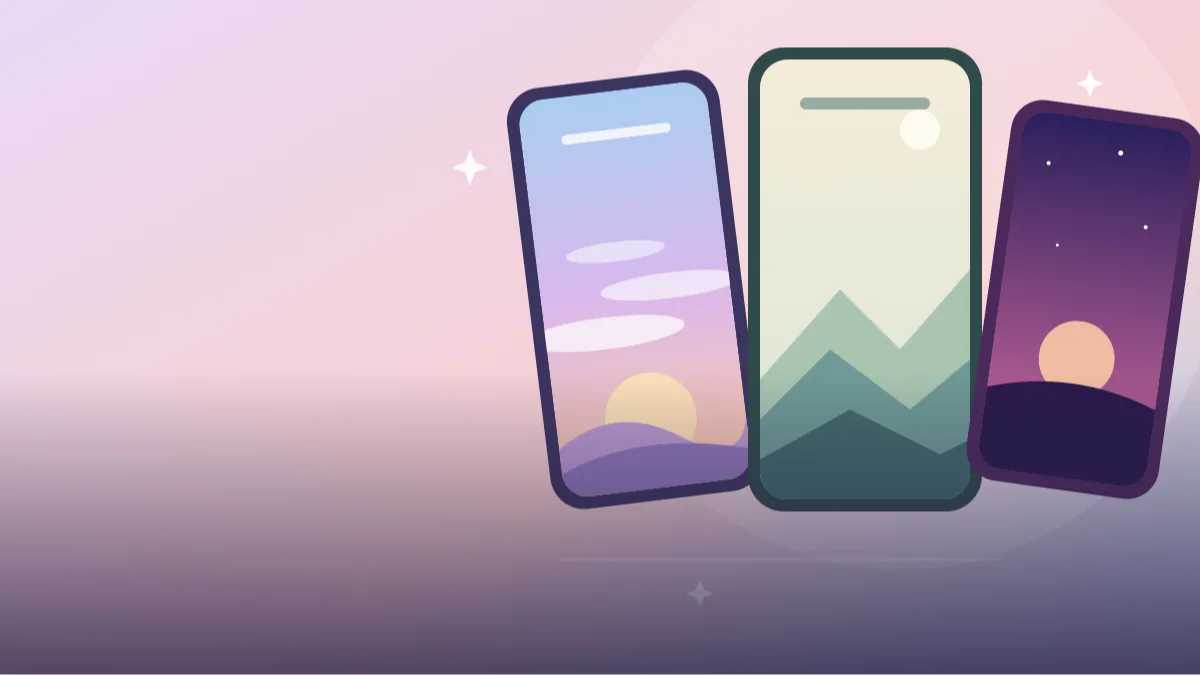 AI PHOTO PROMPTSAI AESTHETIC PHONE WALLPAPER8 COPY-PASTE PROMPTS
We look at our phone lock screen hundreds of times a day, yet most of us keep the default image for months. A thoughtful aesthetic wallpaper prompt helps you build something calm, colourful and personal in a few minutes, with exactly the colours you like.
These eight prompts are for Gemini and ChatGPT image tools. Most are scenery-only, so you do not need to upload anything. Two include your own photo, with a note to keep your face unchanged. Every wallpaper is planned for a tall phone screen with clean space where the clock and icons will sit, so the picture does not fight with the interface.
A wallpaper has a different job from a poster. It should be calm and not too busy, with a soft focus point. That is why the prompts focus on simple shapes, gentle gradients and generous empty space.
- Copy-Paste Prompts
- What ratio and size should I ask for in an aesthetic wallpaper prompt?
- Where do the clock and icons sit on my lock screen?
- Which three colours should I name so the wallpaper does not look random?
- It looked lovely in the chat but icons are unreadable: fixing a busy wallpaper
- Set it on your real phone before you trust an aesthetic wallpaper prompt
- One pastel sky, three moods: calm day, night and bright
- Blurry on my phone, and every wallpaper starts to look the same
- FAQs
Copy-Paste Prompts: Aesthetic Wallpaper Prompt (8 Ready Ideas)
1. Pastel Sunrise Gradient Sky
SUBJECT: a wide empty sky with soft layered clouds.
COLOURS: peach, lavender and pale blue gradient from bottom to top.
SETTING: faint hills silhouette at the very bottom edge.
LIGHT: first light glow near the horizon, gentle haze.
CAMERA: vertical 9:16 phone wallpaper, large empty area in the upper third for the clock.
STYLE: dreamy minimal digital painting, smooth transitions.
AVOID: text, people, birds, hard edges, high contrast.
Gradients are friendly to icons. They never clash with app colours.
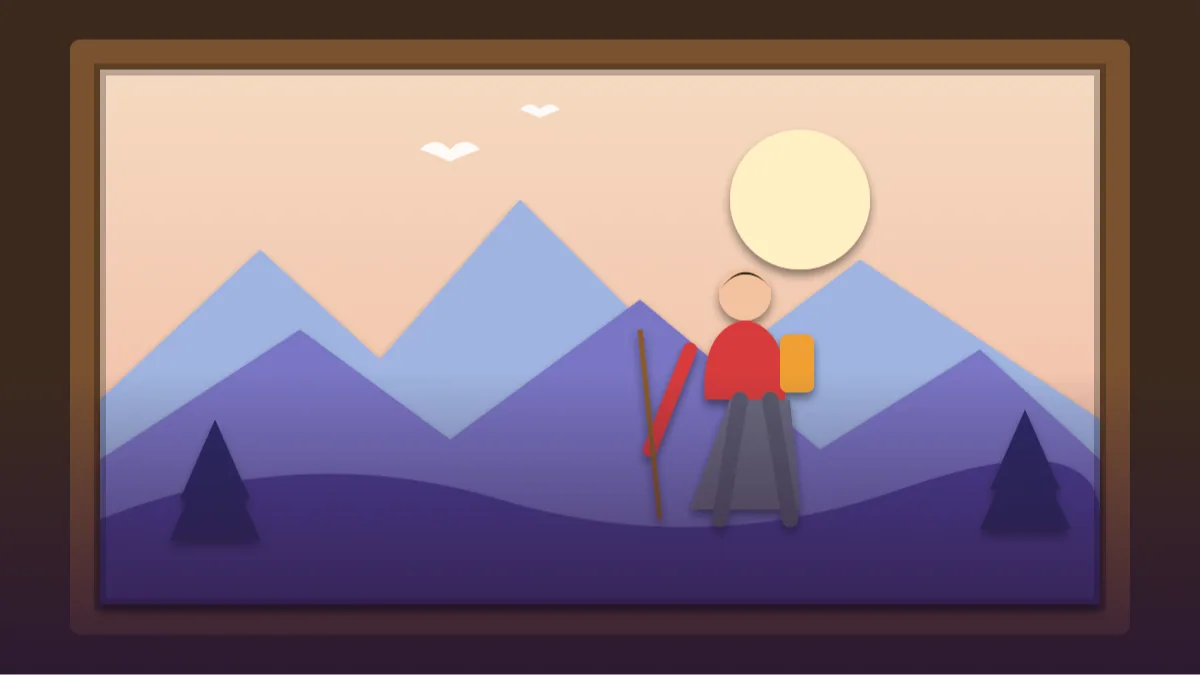
2. Minimal Mountain Lines
SUBJECT: layers of rolling mountains drawn as clean overlapping shapes with soft mist between them.
COLOURS: dusty teal, sage and cream, three tones only.
SETTING: single small moon in the top right.
LIGHT: soft flat light, no strong shadows.
CAMERA: vertical 9:16, mountains in the lower half, empty sky above.
STYLE: minimalist flat illustration with subtle grain.
AVOID: text, trees in detail, people, clutter.
Three tones are enough for a calm look. More colours make it busy.
3. Moody Dark Rain Window
SUBJECT: a rainy window at night, raindrops on glass, blurred city lights behind.
COLOURS: deep navy, muted amber and soft teal bokeh.
SETTING: faint outline of a plant on the sill in the bottom corner.
LIGHT: dim, warm glow from far lights.
CAMERA: vertical 9:16, macro on the glass, upper third calmer and darker for the clock.
STYLE: cinematic dark aesthetic, soft focus, gentle grain.
AVOID: readable signs, text, people, bright highlights.
Dark wallpapers save battery on some screens and look elegant on lock screens.
4. Cosy Desk Corner Illustration
SUBJECT: a tiny desk corner with a warm lamp, a plant, a mug and a stack of books.
COLOURS: warm cream, soft brown and muted olive.
SETTING: simple wall with a small window showing a night sky.
LIGHT: lamp glow with a soft vignette.
CAMERA: vertical 9:16, scene in the lower half, empty wall above.
STYLE: cosy hand-drawn digital illustration, soft textures.
AVOID: text, brand items, people, bright colours.
Cosy illustrations are a favourite for study and work phones.
5. Portrait With Clock Space
Use my attached photo and keep my face unchanged.
SUBJECT: me in the lower half of the frame, relaxed three-quarter pose, soft smile.
OUTFIT: simple pastel sweater.
SETTING: smooth gradient wall in soft rose and cream.
LIGHT: soft window light from the left.
CAMERA: vertical 9:16, 85mm look, head below the top third so the clock sits above.
STYLE: clean aesthetic portrait, natural skin.
AVOID: text, props, clutter, extra people.
The clock sits on top of the empty area, and your face stays clear below it.
6. Starry Night Silhouette
SUBJECT: a single small figure silhouette on a hill looking at a huge starry sky.
COLOURS: deep indigo to violet gradient with tiny warm-white stars.
SETTING: smooth hill curve at the bottom, one distant tree.
LIGHT: soft glow from the Milky Way band.
CAMERA: vertical 9:16, figure small in the lower third, wide empty sky above.
STYLE: calm, atmospheric night illustration.
AVOID: text, realistic faces, bright lights, clutter.
A tiny figure under a big sky gives a peaceful, thoughtful mood.
7. Botanical Soft Line Art
SUBJECT: delicate leaves and small flowers drawn with thin lines along the left and bottom edges.
COLOURS: cream background with muted green and dusty pink strokes.
SETTING: large empty centre and top.
LIGHT: flat paper-like light.
CAMERA: vertical 9:16, borders decorated, centre kept clear.
STYLE: minimal botanical line illustration, subtle paper texture.
AVOID: text, heavy shading, people, dark colours.
Line art on cream looks pretty on both light and dark icon sets.
8. Personal Photo Dreamy Blur
Use my uploaded photo and keep my face unchanged.
SUBJECT: me small in the lower third, walking along a quiet beach, seen from behind or the side.
OUTFIT: light shirt and trousers.
SETTING: pastel pink and blue sky with soft clouds and a calm sea.
LIGHT: gentle sunset haze.
CAMERA: vertical 9:16, wide shot, huge sky above for the clock.
STYLE: dreamy minimal photograph, soft colours and grain.
AVOID: text, other people, harsh contrast, clutter.
A small figure in a large scene keeps your lock screen calm and personal.
What ratio and size should I ask for in an aesthetic wallpaper prompt?
Open Gemini or ChatGPT and paste the aesthetic wallpaper prompt. For personal versions, attach a photo first. Ask for a vertical ratio, 9:16, so it fits phone screens without cropping.
After the image arrives, set it as wallpaper and check how the clock and icons sit over it. If they feel crowded, ask for a calmer top third or fewer details near the edges.
- Use 9:16 for most phones.
- Keep the top third and bottom row calm.
- Download the largest size available.
Where do the clock and icons sit on my lock screen?
Think about where things will sit. The clock lives at the top, icons fill the middle, and a dock sits at the bottom. A good minimal lock screen wallpaper prompt leaves breathing space in those places and puts the visual interest in the lower middle.
Soft gradients and low contrast work better than detailed scenes. A busy picture can make icons hard to read.
Phones differ, so there is no single perfect layout. On an iPhone the clock is large and sits high, with widgets sometimes below it; on many Android phones the clock may sit centre or left, with a fingerprint area near the bottom. Open your lock screen, take a screenshot and note where the empty areas are, then describe them: 'subject in the lower middle, calm upper third, nothing important in the bottom 15 percent'. That one sentence beats any adjective list.
Which three colours should I name so the wallpaper does not look random?
If you do not know where to start, try one of these palettes: peach, lavender and sky blue for a pastel sky wallpaper idea; navy, amber and teal for a night mood; cream, sage and terracotta for a warm earthy feel.
Name the exact colours in the prompt. Words like aesthetic alone do not tell the tool what you want.
A simple formula is one dark, one mid and one light colour, with the light one used the most. Think of a Mumbai evening sky: deep indigo at the top, a bit of orange in the middle and a pale peach near the horizon. If you are matching a phone case or a favourite outfit, name that colour: 'sage green like a mehendi leaf' is clearer than 'green'.
Avoid asking for neon, rainbow or 'all colours' unless you truly want that. They give a loud wallpaper that tires the eye by evening, and icons disappear into it.
It looked lovely in the chat but icons are unreadable: fixing a busy wallpaper
Fake text and logos can appear, so keep the AVOID line. Another issue is an image that looks lovely in a preview but is too busy behind icons; ask for fewer elements and lower contrast.
With a portrait version of the portrait wallpaper with space for clock idea, tell the AI where the head should sit. Without that, the face may end up under the time.
Fake text is a regular surprise. A rainy window wallpaper may come with a neon sign in a language that does not exist, and a desk corner may include a calendar with scrambled digits. Put 'no text, no signs, no numbers, no logos' in the AVOID line every time, even when you think the scene is too simple to need it.
If a result is almost right, do not start over. Ask for the same image with one change: 'same wallpaper, reduce contrast by a third, blur the middle area slightly'. Changes like this keep the palette you liked and only fix the problem.
Set it on your real phone before you trust an aesthetic wallpaper prompt
A wallpaper can look perfect in the chat window and fail on the phone. So the real test of an aesthetic wallpaper prompt happens on your own screen. Download the largest version, set it as both lock and home screen and look at it in three situations: lock screen with the clock, home screen with icons and a normal daytime brightness.
Check the top third first. The clock sits there, and bright shapes or sharp lines behind the digits make them hard to read. If that happens, ask for 'calm sky or plain gradient in the top third, no objects'. Next look at the icon area. A busy pattern behind app names hurts readability, so lower the contrast or ask for 'soft, blurred texture in the middle area'.
Then check the edges. Phones with curved corners or a camera cutout hide a few millimetres on each side, so anything important should be in the centre. Also try dark mode and light mode if your phone changes icon colours. If you use a depth effect on the lock screen where the clock tucks behind a subject, ask for a clear subject with a plain background so the effect looks clean.
One pastel sky, three moods: calm day, night and bright
Take the pastel sunrise prompt and make a small set. For a calm daily wallpaper write 'peach to lavender gradient, three thin clouds, empty upper third, very low contrast'. This is soft enough for any icon colour.
For a night version, keep the shapes and change the palette: 'navy to teal gradient, tiny stars, one thin crescent moon in the lower right'. The matching composition means your lock screen and home screen look like a pair. For a friend who likes bright colours, try 'coral, mango yellow and sky blue bands, simple sun circle at the bottom, flat design'.
Notice that all three prompts name exact colours and specify empty space. That is the difference between a nice wallpaper and a random one. A pastel sky wallpaper idea can also be turned into a seasonal set: monsoon (grey blue and soft green), winter (pale lilac and cream), festive evening (deep maroon and gold, with no figures).
If you want a matching tablet or laptop version, ask for 16:10 and 'the focal point on the right third'. You can reuse the same palette words for all your devices.
Blurry on my phone, and every wallpaper starts to look the same
AI wallpapers are fun but not perfect. The biggest trouble is resolution. Some tools give images smaller than a modern phone screen, and when stretched they look soft. Use the highest download option and, if needed, upscale with a free tool. A gradient or minimal scene survives upscaling better than fine detail.
Another issue is repeating the same look. After a few tries every wallpaper starts to feel similar, so change one big thing each time: palette, subject or camera distance. Use a minimal lock screen wallpaper prompt for work weeks and a richer scene for holidays.
If you attach a personal photo, use your own and keep your face unchanged, and do not use a friend's picture without asking. Do not set a wallpaper that shows private information such as a ticket, an address or a document. And skip names of real artists or brands in the prompt; describe colour, shape and mood instead, which gives you more original results.
Frequently Asked Questions
What size should my wallpaper be?
Ask for vertical 9:16. Most phones accept that ratio. If it still crops, adjust the position in your phone's wallpaper settings.
Can I make matching home and lock screens?
Yes. Use the same palette and style line in two prompts, one calmer for the home screen and one with a focal point for the lock screen.
Do I need to upload a photo?
Only for the personal versions. The scenery prompts need no upload at all.
Why does the image look blurry on my phone?
The tool may have created a small image. Download the highest resolution option, or ask for a sharper high-resolution result.
Final Thoughts
A wallpaper is the one picture you see all day, so it is worth a few minutes. A clear aesthetic wallpaper prompt gives you control over colour, mood and space, and no stock image can do that.
Make a matching pair this evening: the pastel sky for the lock screen and the same palette in a plain gradient for the home screen. If you like imaginary scenery, fantasy landscape prompts give you bigger, more detailed scenery to crop into wallpapers.
Note: AI image and text results vary by tool, version and settings. Use only your own photos, avoid copying real people’s likeness, and follow the terms of the AI tool you use.