About Us Page Team Photo AI Prompts
 AI PHOTO PROMPTSABOUT US TEAM PHOTO8 COPY-PASTE PROMPTS
The About Us page is often the second most visited page on a business site, because visitors want to know who they are dealing with. A practical about us photo prompt helps you make matching, friendly pictures of your real team, even if everyone was photographed on different days and in different rooms.
The eight prompts here cover consistent headshots, a founder story image, a workspace shot and a culture moment. They work best when each team member gives permission and supplies their own photo. We never ask AI to invent staff, because customers would soon find out and trust would fall.
Use the same prompt for every person so the final set looks like one family. Results vary, so retry any image that does not look like the person.
- Copy-Paste Prompts
- Collecting photos and permission before you run an about us photo prompt
- What keeps consistent team headshots looking like one set
- Where AI help ends in company culture photos
- Planning the shoot before you send photos to anyone
- What a good about us photo prompt result looks like as a grid
- Fixing the usual problems in a small business team portrait
- Using the founder and culture images on the page
- FAQs
Copy-Paste Prompts: About Us Photo Prompt (8 Ready Ideas)
1. Matching Team Card Headshot
SUBJECT: Use my attached photo of one team member, keep their face, hair and skin tone unchanged.
OUTFIT: Keep their own clothes, just tidy collar and brightness.
SETTING: Plain warm-grey background, identical for every team member.
LIGHT: Soft front light from the same direction every time.
CAMERA: Head and shoulders, 85mm lens look, same distance and angle, light natural smile.
STYLE: Consistent, friendly, true colours.
AVOID: Different backgrounds, heavy retouching, text, logos.
Run this exact prompt with each person's own photo to get a matching grid.
2. Founder Story Workspace
SUBJECT: Attached photo of the founder, face unchanged.
OUTFIT: Smart casual shirt.
SETTING: The founder's tidy desk with a notebook, plant and window, soft blur behind.
LIGHT: Natural window light.
CAMERA: Three-quarter angle, 50mm lens look, writing in a notebook then looking up with a smile.
STYLE: Warm, honest, candid.
AVOID: Readable writing, brand logos, extra people, text.
Pair it with a short origin story paragraph. People remember stories more than titles.
3. Casual Group at the Entrance
SUBJECT: Use my attached group photo of four teammates, keep all faces unchanged.
OUTFIT: Their own everyday clothes.
SETTING: Office entrance with plain wall and plants, signage not readable.
LIGHT: Soft daylight, even.
CAMERA: Full-body group, 35mm lens look, relaxed standing, natural smiles.
STYLE: Friendly, bright, true-to-life colour.
AVOID: Extra people, duplicated faces, readable signs, text.
Keep groups small. Past six people the faces start to blend.
4. Team Lunch Table
SUBJECT: Attached photos of team members, faces unchanged.
OUTFIT: Their own casual clothes.
SETTING: Wooden table with simple home-style food dishes shared in the centre, windows behind.
LIGHT: Warm natural light.
CAMERA: Slightly high angle, 35mm lens look, people laughing and passing a dish.
STYLE: Warm, candid, genuine.
AVOID: Brand packaging, readable labels, extra people, awkward hands.
Shows culture better than a formal pose. Hands and food overlap, so check for errors.
5. Brainstorm at the Wall
SUBJECT: Use my attached group photo of three teammates, faces unchanged.
OUTFIT: Their own smart casual clothes.
SETTING: Wall of colourful sticky notes with no readable words, tidy office.
LIGHT: Bright daylight with soft shadows.
CAMERA: Mid shot, 35mm lens look, one person pointing at the wall, others looking and smiling.
STYLE: Energetic, collaborative, natural.
AVOID: Readable words on notes, extra people, logos, text.
Blank notes avoid gibberish. Add a headline in your page layout.
6. Behind the Scenes Craftsperson
SUBJECT: Attached photo of our production staff member, face unchanged.
OUTFIT: Clean workshop apron over their normal clothes.
SETTING: Tidy workshop bench with tools laid out neatly, blurred shelves behind.
LIGHT: Bright even light with warm accents.
CAMERA: Waist-up, 50mm lens look, working with focus then glancing at the camera.
STYLE: Honest, skilled, documentary.
AVOID: Dangerous tools in motion, readable labels, logos, text.
Highlights people behind the product. Customers like to see who makes things.
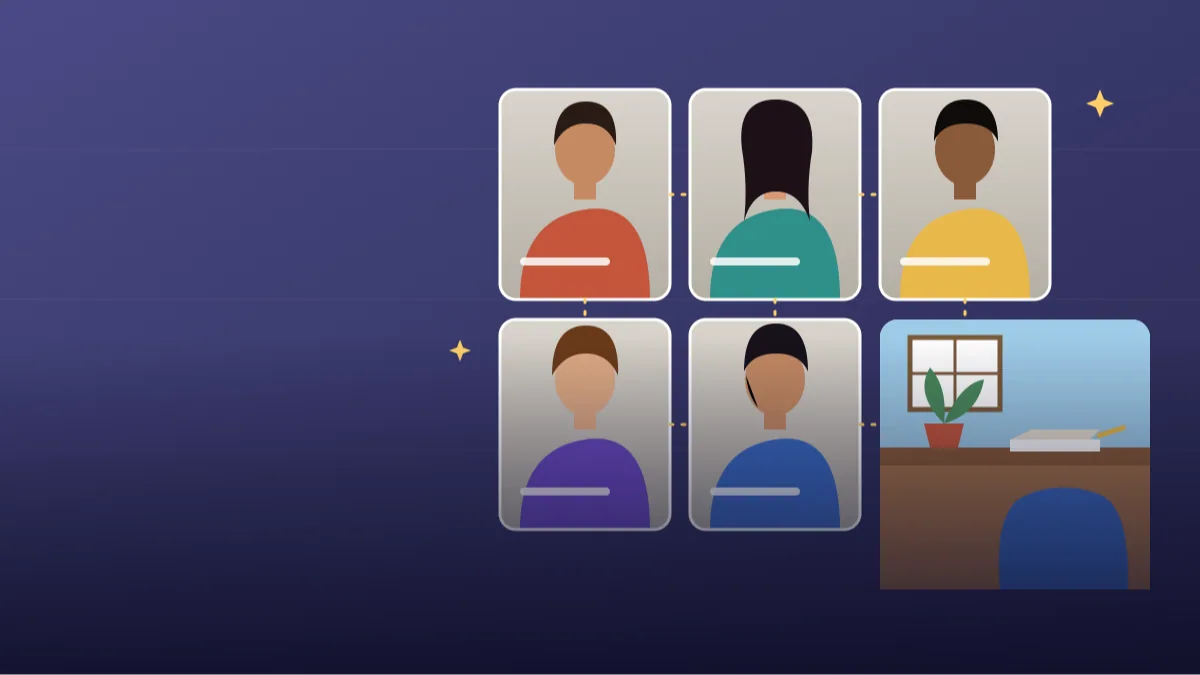
7. Remote Team Video Grid Style
SUBJECT: Use my attached photos of four remote teammates, each face unchanged.
OUTFIT: Their own clothes.
SETTING: Four equal square tiles, each with that person in their own tidy home office, no readable items.
LIGHT: Soft natural light in each tile.
CAMERA: Each tile head and shoulders, 70mm lens look, smiling at the camera.
STYLE: Consistent colour grade across tiles, friendly.
AVOID: Blurred identities, screen interface elements, logos, text.
Good for remote-first companies. The tiles give a neat layout.
8. Celebration Moment
SUBJECT: Attached group photo of the team, faces unchanged.
OUTFIT: Their own clothes.
SETTING: Office with simple balloons and a plain cake on a table, no writing.
LIGHT: Warm soft light.
CAMERA: Mid-wide shot, 35mm lens look, everyone clapping and smiling.
STYLE: Joyful, natural, warm.
AVOID: Readable cake writing, candles with large flames, extra people, text.
A celebration picture shows human warmth. Keep decorations plain to avoid weird objects.
Collecting photos and permission before you run an about us photo prompt
Collect a simple front-facing photo from each person, taken in daylight near a window. Ask them to confirm, in writing, that they are happy to be shown on the website. A WhatsApp message saying 'yes, fine' is enough as a record. Then run the same prompt for each person.
Review the results side by side. The set should feel like one team. If one person looks warmer or darker, paste the same lighting description again and regenerate only that card. Do not fix by editing one picture heavily; it will stand out in the row.
- Same prompt for everyone.
- Written permission from each person.
- Check the grid at actual website size.
What keeps consistent team headshots looking like one set
The secret to consistent team headshots is repeating the same words: same background colour, same lens look, same crop. The AI will vary a little, but a fixed prompt keeps the variation small. Write the prompt once, copy it into a note and change only the name.
Ask each person to wear a solid colour top. Avoid logos and busy patterns, since AI redraws them badly. A short pre-photo checklist saves a lot of retries: face the window, no cap, no sunglasses, shoulders visible, relaxed smile.
- Same crop distance.
- Same background tone.
- Solid colour tops.
Where AI help ends in company culture photos
Never invent employees or events you did not hold. If an image shows a celebration, it should reflect something real, or be clearly decorative, with no fake crowd of 'customers' or 'staff' who do not exist. A visitor who later meets your small team will notice the difference at once.
If you update your page often, replace edited images with real photographs of the team whenever you can. Real pictures are always the most convincing, and a genuine candid from a Diwali lunch is worth more than a polished generated one. Use the AI pictures as a bridge until you have the real ones.
Planning the shoot before you send photos to anyone
The best about us page team photos are decided before a single prompt is run. Sit with your team for ten minutes and agree three things: one background colour, one crop and one mood. A warm grey wall, head-and-shoulders framing and a light natural smile is a safe combination for most small businesses. A law firm may want a more serious expression, while a bakery can go for a bigger grin.
Then send each person a short message asking for one clear, front-facing photo taken near a window, with no sunglasses, no heavy filters and no cropped-out shoulders. Tell them what the photo will be used for and that they can say no. People who feel in control of their picture usually send better ones.
Keep a small folder with each person's original photo, the generated version and a line saying consent was given. If someone leaves the company, you will know exactly which images to retire from the site.
What a good about us photo prompt result looks like as a grid
Place all the results next to each other at actual website size before you publish anything. A meet the team section works only when the cards feel like siblings. Check the eye line first: every person's eyes should sit at roughly the same height in their square. Then check scale, because one face filling the frame while another floats small makes the grid look careless.
Look at skin tone and warmth next. Gemini or ChatGPT may make one person slightly pinker or paler than the original. Compare each result to the source photo, not just to the neighbour. Finally, check clothes and collars; shirt colours that clash with the background, or a sleeve that fades into the wall, are the most common small errors.
- Eyes on the same horizontal line across the row.
- Same distance from the camera in every card.
- No one looks noticeably younger, older or lighter than in real life.
- Backgrounds identical, with no random gradients or shadows.
- Hair, glasses and jewellery match the source photo.
Fixing the usual problems in a small business team portrait
Three things go wrong most often. First, a face that drifts: the person looks a little like a cousin of themselves. Add 'same facial structure, same nose, same eyes, no beautification' and use a sharper source photo. Second, group pictures where one person gets a duplicate or merged face. Keep groups to four or five and say 'each person appears once, separated by a small gap'.
Third, the awkward-hands problem in lunch and brainstorm scenes. If a hand looks wrong, ask for 'hands resting on the table or in pockets' instead of holding objects. A small business team portrait does not need dramatic gestures; calm hands read as confident.
If everything is almost right but one image feels stiff, tell the AI what to loosen: 'relaxed shoulders, slight head tilt, eyes crinkling at the corners'. Specific small directions beat words like 'more natural'.
Using the founder and culture images on the page
Think about where each image sits. The founder story picture belongs beside the origin story paragraph, ideally on the left on desktop and above the text on mobile. The headshot cards go in a grid lower down, usually two columns on a phone and four on a laptop. Culture images, like the lunch table or the celebration, work as a wide banner between sections.
Write a caption for each website team member cards entry: name, role and a simple fact like 'Loves cricket and filter coffee'. It gives personality in a few words. Always add proper alt text such as 'Priya, customer support lead, smiling at her desk', which helps visitors who use screen readers and also helps search engines understand the page.
Update the page whenever the team changes. An About Us section with someone who left two years ago feels neglected.
Frequently Asked Questions
Can AI fix inconsistent staff photos?
Partly. It can match backgrounds and lighting across different photos, but the best fix is to retake them with the same simple setup, a plain wall and window light, whenever you can.
Do I need permission from staff?
Yes, always. Get written consent before using anyone's face on your website, edited or not.
How big should team photos be?
800 by 800 pixels is plenty for most website cards. Keep faces centred.
Should I show AI-made scenes?
Only if they reflect something real and nobody is misled. Real photographs of the actual team are better for trust, and AI scenes should stay obviously decorative.
Final Thoughts
A thoughtful about us photo prompt helps your website show real people in a matching, friendly style. Run the same prompt with each team member's own photo, compare the set, and keep only what is true.
Start with the matching headshot prompt for two teammates, compare them side by side, and once that grid looks right, explore our other business and personal-brand photo prompts on Tech Boi Prompt for the founder's own profile.
Note: AI image and text results vary by tool, version and settings. Use only your own photos, avoid copying real people’s likeness, and follow the terms of the AI tool you use.