ChatGPT Cartoon Avatar Prompts
 CHATGPT PROMPTSCARTOON AVATAR8 COPY-PASTE PROMPTS
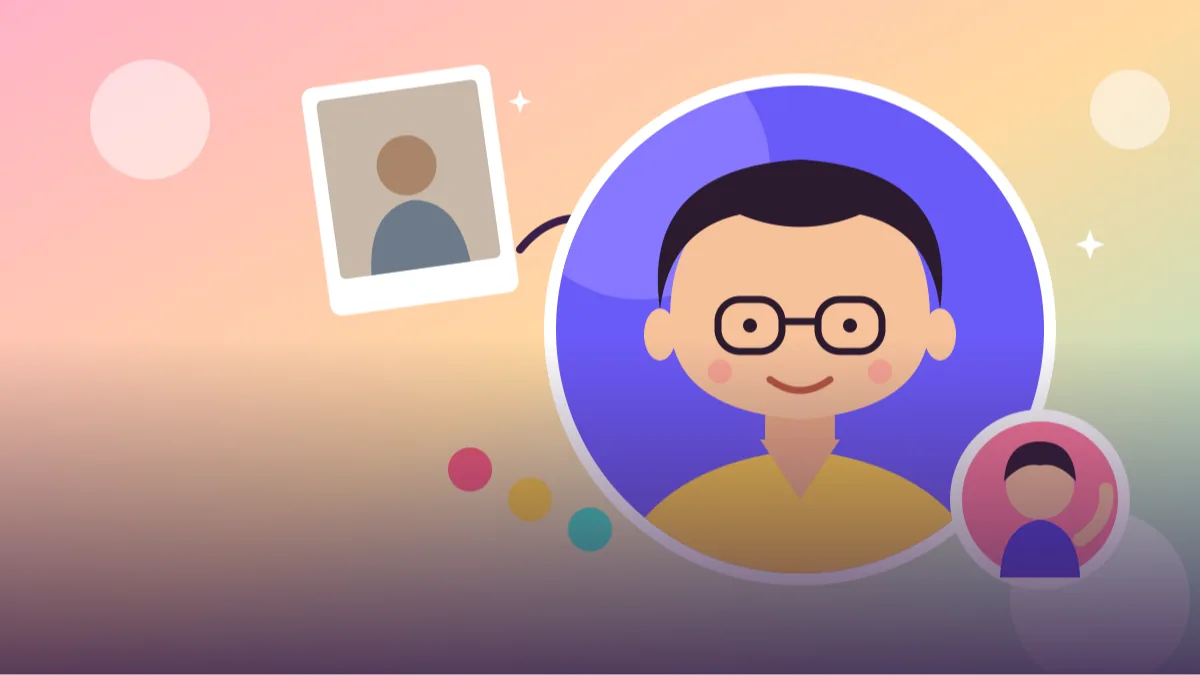
A cartoon avatar is a nice middle ground: it looks like you, but it keeps your privacy and feels playful on a profile. A tidy cartoon avatar prompt tells ChatGPT which features to keep, what style to draw in, and what background to use.
We always attach our own selfie and write what makes us recognisable, like curly hair, glasses or a beard. That one sentence helps more than any style adjective.
AI will not get it perfect every time. Generate two or three versions and pick the one that feels closest.
- Copy-Paste Prompts
- Selfie, brackets, one fix at a time: your first cartoon avatar prompt
- What your friends recognise you by
- When the cartoon does not look like you
- WhatsApp DP, gaming handle or newsletter icon: where it fits
- Checking likeness: what a good cartoon avatar prompt must keep
- Picking the right style for the place you will use it
- A worked example: changing one avatar prompt for a team
- FAQs
Copy-Paste Prompts: Cartoon Avatar Prompt (8 Ready Ideas)
1. Flat vector profile pic
Create a flat vector cartoon avatar from the attached photo of me.
KEEP: Hair shape and colour, skin tone, glasses or beard if present, and the colour of my top.
FACE: Simple friendly features, small nose, warm smile.
STYLE: No outlines, solid colour shapes, soft shadows only.
BACKGROUND: Single [COLOUR] circle.
FRAMING: Head and shoulders, centred.
AVOID: Realistic detail, text.
Excellent for WhatsApp and Instagram DPs because it is readable even when tiny.
2. Outlined sticker avatar
Turn the attached photo into a cartoon sticker of me.
STYLE: Bold dark outline, bright flat colours, thick white sticker border around the figure.
POSE: Waving with one hand, big smile.
KEEP: Hair, skin tone, outfit colours and accessories.
BACKGROUND: Plain white.
AVOID: Text, shadows beyond the border, extra characters.
The white border makes it ideal for chat stickers. Check the hand is clean.
3. Pixar-like friendly 3D
Create a friendly 3D cartoon avatar of me from the attached photo.
KEEP: Hairstyle, skin tone, glasses, and facial hair if present.
STYLE: Soft rounded forms, smooth shading, slightly large expressive eyes.
LIGHT: Warm studio light with a soft rim.
BACKGROUND: Plain light blue.
FRAMING: Bust shot.
AVOID: Uncanny realism, text, existing movie characters.
Say 'friendly' and 'rounded' to avoid creepy results.
4. Profession avatar
Make a cartoon avatar of me from the attached photo shown as a [PROFESSION, e.g. teacher, chef, developer].
KEEP: My face shape, hair and skin tone.
PROPS: One simple tool of the profession, like a [TOOL].
OUTFIT: Neat, simple, no logos.
STYLE: Clean 2D cartoon, medium outlines, bright colours.
BACKGROUND: Soft gradient in [COLOUR].
AVOID: Text, clutter.
A single prop is enough. Too many tools clutter the avatar.
5. Couple or friends pair
Create a cartoon avatar of the two of us from the attached photo, with consent from both people.
KEEP: Each person's hair, skin tone and outfit colour.
POSE: Standing shoulder to shoulder, smiling, one slightly taller than the other as in the photo.
STYLE: Simple flat cartoon, soft outlines, matching proportions for both.
BACKGROUND: Warm cream.
AVOID: Changing faces dramatically, text, extra people.
Only use photos of people who have agreed. It makes a sweet gift or group DP.
6. Minimal line avatar
Create a minimal one-line-style avatar of me from the attached photo.
STYLE: Single continuous dark line drawing on white, no fill.
FEATURES: Capture hair silhouette, glasses and a gentle smile, plus the collar shape of my shirt.
DETAIL: Very few lines, elegant, line weight even and slightly thick so it stays visible when small.
COMPOSITION: Head and shoulders, centred with wide margins on a square canvas.
AVOID: Shading, colours, text.
Works well as a website or LinkedIn icon. Simplify further if lines look messy.
7. Retro cartoon style
Draw the attached photo of me as a retro 1960s style cartoon avatar.
PALETTE: Mustard, teal, brick red and cream.
LINE: Thick slightly imperfect outlines with flat colour.
TEXTURE: Light print grain.
KEEP: Hair, skin tone and glasses, and a simple collared shirt in one of the palette colours.
BACKGROUND: Plain cream with a subtle sunburst.
AVOID: Modern gradients, text.
A distinct palette makes your avatar recognisable across platforms.
8. Emoji expression set
Create a sheet of six cartoon avatar expressions of me from the attached photo: happy, laughing, thinking, surprised, sleepy and thumbs up.
LAYOUT: 3 by 2 grid on white, equal spacing.
KEEP: Same hair, skin tone and top in every box.
STYLE: Flat colour with simple outline.
AVOID: Text, differences in style between boxes.
Consistency is the challenge. Regenerate individual boxes if one looks different.
Selfie, brackets, one fix at a time: your first cartoon avatar prompt
Attach a clear selfie, ideally in daylight with nothing covering your face. Paste the prompt, fill the brackets, and send. Wait for the whole image to finish before judging details.
If the avatar loses a feature, mention it plainly: 'add my round glasses and short beard'.
Fill the bracket with real facts about you, not mood words. 'Short curly black hair, thick round glasses, light stubble, warm brown skin' will beat 'cool and friendly guy' every time.
Do not worry if the first image is square and includes a lot of empty background. You can crop it later. What you need to check first is whether the person in the cartoon is recognisable.
What your friends recognise you by
Clear features beat clever styles. Think about what friends use to recognise you from a distance.
Think of the three things a classmate would point to in a crowd. For one person it is a topknot, for another the dupatta pinned a certain way, for another a moustache. Put those three in your prompt, and let the style words fill the rest.
If you wear a cap or a headscarf daily, include it. An avatar without it may feel like another person to people who know you.
- Name hair shape, colour and any glasses.
- Mention skin tone so it is not changed.
- Pick one background colour that contrasts with your hair.
- Keep outfits plain so the face stays the hero.
- Test the avatar as a small circle before using it.
When the cartoon does not look like you
The first mistake is describing only the style and not the person. Then ChatGPT invents a generic face. The second is asking for ten expressions in one go with different outfits; keep one outfit.
If the avatar looks older, younger or different in colour, state your approximate age range lightly or tell it to match the photo closely.
A smaller issue is clothing and colours. If you want a clean DP, tell the tool 'plain solid-colour top, no patterns', because patterns tend to turn into messy shapes when shrunk.
If the face is too round or too long, ask 'keep my jaw and cheek shape from the photo, only simplify the lines'. This stops the cartoon from slipping into a default face.
WhatsApp DP, gaming handle or newsletter icon: where it fits
Use it as a WhatsApp or Telegram DP, a gaming handle picture, a newsletter author icon or a sticker pack. A consistent cartoon profile picture ideas approach across platforms makes you easier to recognise.
Keep the original transparent or plain-background version saved for future designs.
Different places need different sizes. A WhatsApp DP is a circle, so the face should sit in the middle with space around it. A newsletter icon is often square and small. For a sticker pack you want a clear outline and a transparent or plain background.
Keep one master copy of your avatar in a folder, and use the same one everywhere. People start to recognise you faster when the avatar does not change every week.
Checking likeness: what a good cartoon avatar prompt must keep
A cartoon is a drawing of what makes you recognisable, not a copy of your face. So judge it by a short checklist rather than by whether every detail matches. Look first at the hair: the parting, the length and whether it is curly, wavy or straight should be right, because hair is what friends notice from far away. Then glasses, a beard or a moustache, if you have them. If any of these is missing, the avatar will feel like a stranger even if the face is cute.
Next, check skin tone. Cartoon styles sometimes lighten or flatten it, which is a common problem. If the colour feels off, add 'match my skin tone exactly, do not lighten' to your cartoon avatar prompt and try again. Also look at the eyes and eyebrows. Big round cartoon eyes can make a person look much younger, so if you want to look like an adult, ask for 'moderately sized eyes and natural eyebrows'.
Finally, shrink the picture to the size of a WhatsApp circle on your phone. If you can still tell it is you, it works. If the details turn into mush, the style is too complicated for a DP and the flat vector version is the better pick.
Picking the right style for the place you will use it
Different platforms ask for different things. For a WhatsApp or Instagram DP, the flat vector style is the strongest, because solid shapes survive being shrunk into a tiny circle. For a gaming handle or Discord server, the 3D friendly version has more personality and looks good beside other bright icons.
For a professional profile, such as a LinkedIn icon or the author box on a blog, we prefer the minimal line avatar or a flat vector with muted colours. Avoid the sticker style there, since the thick outline and bright colours can look too casual. The profession avatar is a nice option for freelancers: a teacher with a pencil or a developer with a laptop tells people what you do at a glance, but keep it to one prop.
The retro version is best when you want a recognisable look that is clearly yours. Many creators use one palette consistently across their cover, stickers and profile picture, and this makes a small account feel designed. The expression sheet is useful if you make a sticker pack for friends, though it needs patience. Expect to regenerate one or two boxes to keep the hair identical in all six.
A worked example: changing one avatar prompt for a team
Suppose you run a small study group and want matching avatars for six members. Take the flat vector prompt and keep every line except two. In KEEP, replace 'the colour of my top' with 'a plain navy hoodie for everyone', so the group looks like a set. In BACKGROUND, give each person a different pastel circle, such as peach, mint or lilac, and write that colour clearly in each separate request.
Do one person per prompt and use the same wording each time, because asking for six faces in one image tends to blend them. Ask permission from every person before using their photo, and tell them where the avatar will be posted. For children, do not post avatars publicly without a parent's consent.
Last, a gentle honesty note: image tools can still drift between sessions, so the hair may look a little different each time. Save your best output as the reference and attach it to later requests, saying 'same style as this avatar'.
Frequently Asked Questions
Can ChatGPT make a cartoon avatar from my photo?
Yes. Upload your own selfie and describe the style and features to keep. You may need a couple of tries to get a good match.
Why does my avatar not look like me?
The style may be too simple, or the prompt did not mention key features. List hair, glasses, beard and skin tone and try again.
Is a cartoon avatar safe for privacy?
It shares less detail than a photo, but it can still identify you. Think about where you post it.
Can I make avatars of my family?
Only with their permission. Be extra careful with photos of children and avoid sharing them publicly.
What file should I save?
Download the highest quality image offered. For stickers, remove the background in a separate tool if you need transparency.
Final Thoughts
A friendly cartoon avatar prompt keeps your recognisable features and gives them a playful finish. Start with the flat vector version for a profile picture, then try stickers and expressions once you are happy.
Do keep in mind that a cartoon still shows your real features, so choose carefully where you post it, especially for family members. Also keep the original selfie private and saved safely. Shrink your favourite to a tiny circle before you commit, and if it still looks like you, set it as your DP this week.
Note: AI image and text results vary by tool, version and settings. Use only your own photos, avoid copying real people’s likeness, and follow the terms of the AI tool you use.