AI Professional Photoshoot From a Selfie Prompts
 AI PHOTO PROMPTSPHOTOSHOOT FROM A SELFIE8 COPY-PASTE PROMPTS
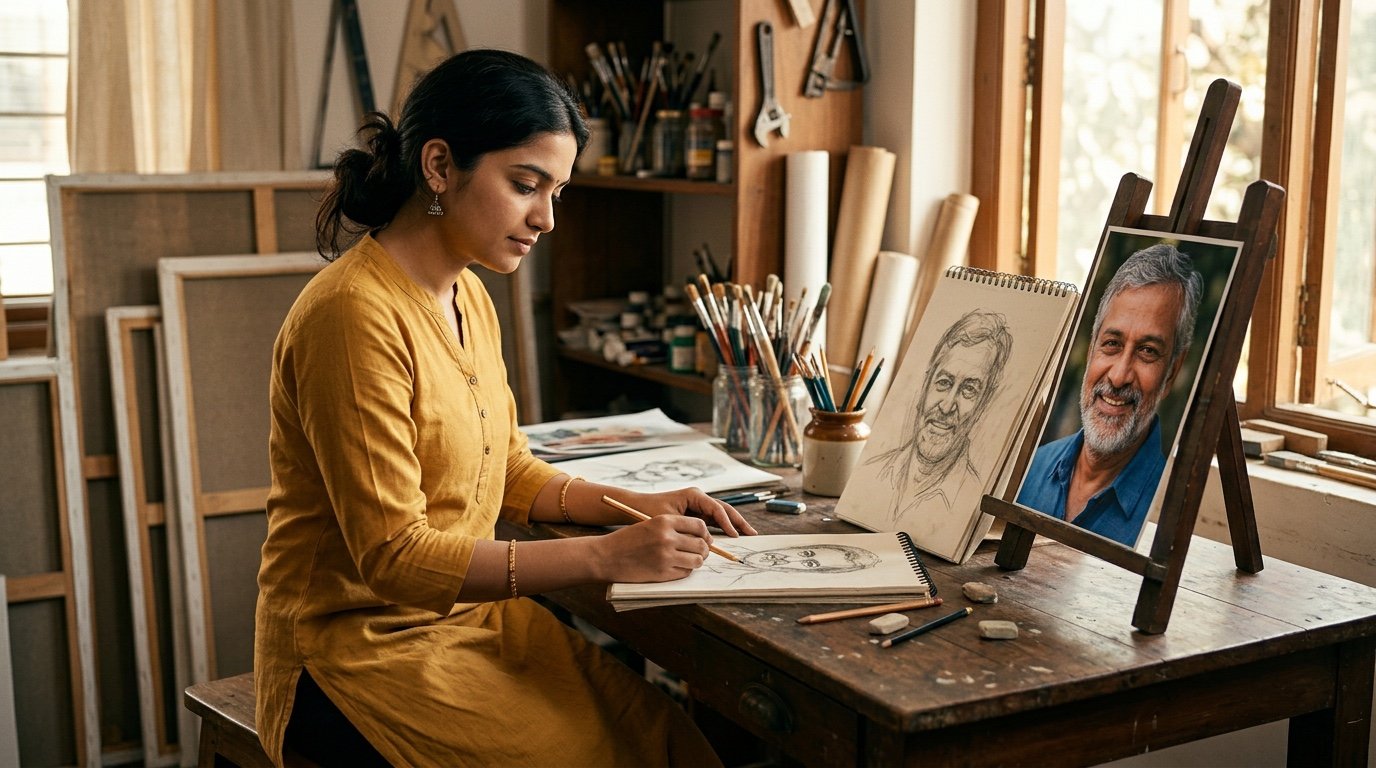
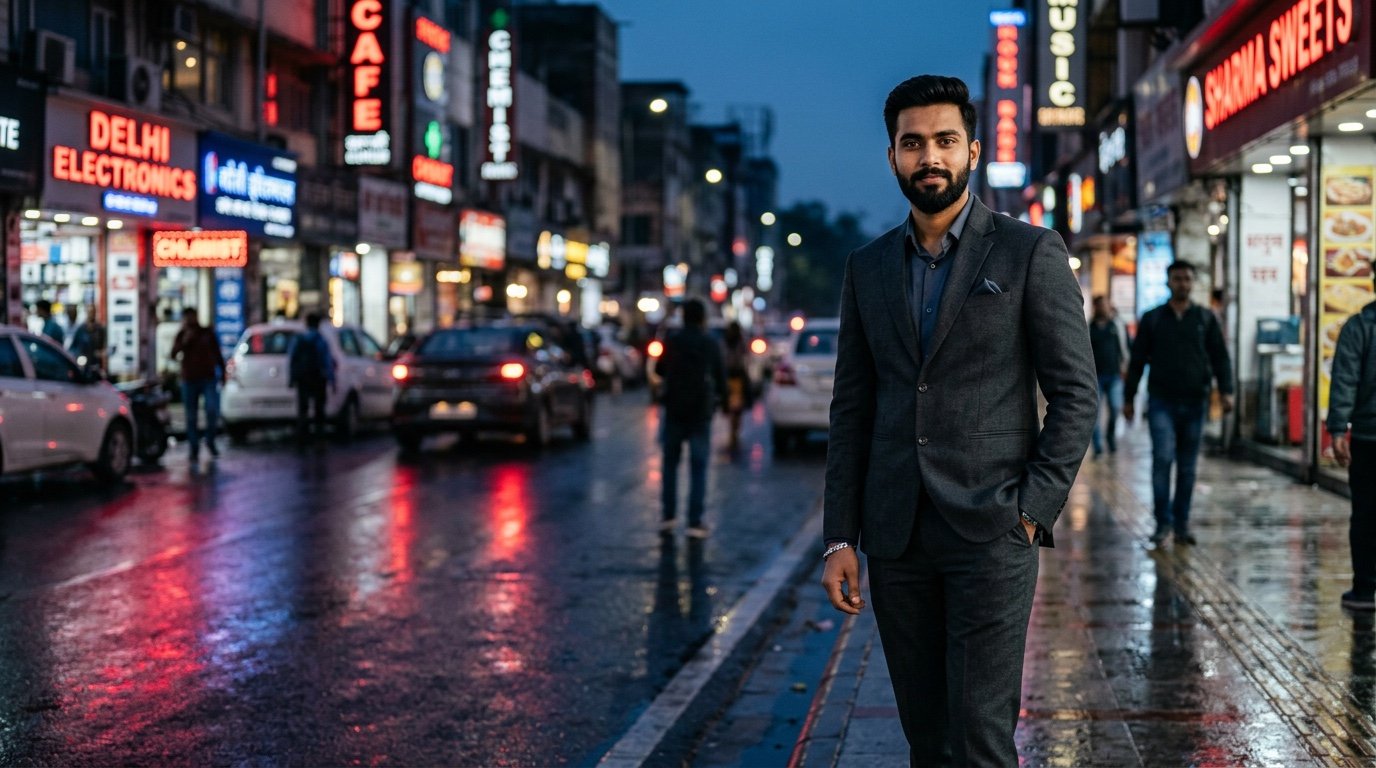
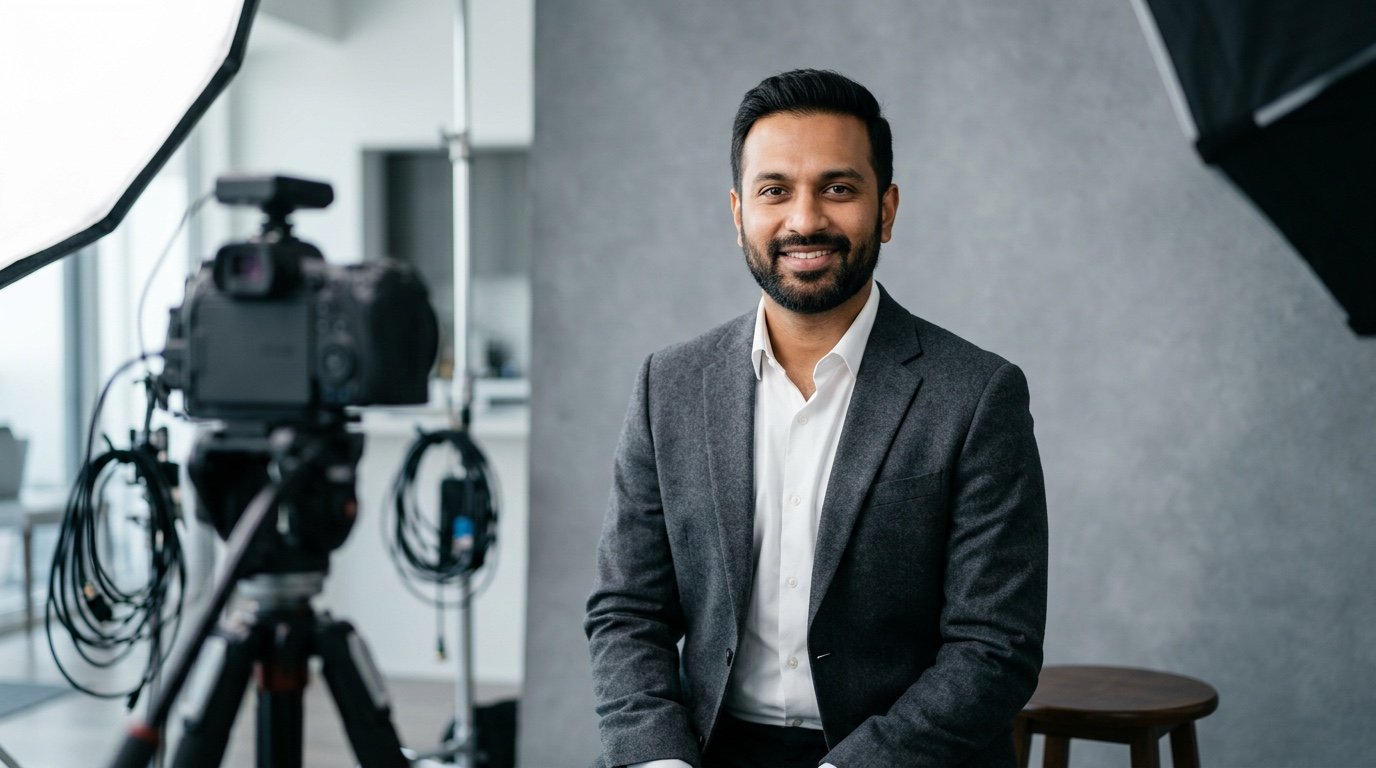
A real studio session costs time and money, and many of us just want one good profile picture. A well-written photoshoot from selfie prompt can get you surprisingly close. You upload a simple selfie, tell the AI the outfit, the light and the lens, and it builds a portrait that looks like it was taken by a photographer.
The most important part is the instruction to keep your face exactly as it is. Without it, some tools smooth, slim or change features until the person looks like a cousin rather than you. Every prompt below begins by asking the AI to use your attached photo and keep your face, skin tone and hairstyle unchanged.
You can run the same structure in both Gemini and ChatGPT. The results are not identical, and some tries look better than others, so give yourself three or four attempts. If you want a professional headshot from selfie AI result for work, start with the first two prompts. For social media, jump to the lifestyle ones.
- Copy-Paste Prompts
- Running a photoshoot from selfie prompt in five steps
- Choosing the right selfie for a professional headshot from selfie AI result
- Light, lens and colour tips for a selfie to studio portrait prompt
- Over-smooth skin, shifted hair and strange hands
- Using a LinkedIn profile photo AI prompt responsibly
- What to write when you post the new portraits
- Same photoshoot from selfie prompt, different job: a teacher's headshot
- FAQs
Copy-Paste Prompts: Photoshoot From Selfie Prompt (8 Ready Ideas)
1. Corporate Grey Backdrop Headshot
SUBJECT: Use my attached selfie. Keep my face, skin tone, hairstyle and expression exactly unchanged.
OUTFIT: Dark navy blazer over a plain white shirt, neat collar.
SETTING: Smooth mid-grey studio backdrop.
LIGHT: Large softbox at 45 degrees, subtle fill light, gentle catchlights in the eyes.
CAMERA: 85mm lens, chest-up framing, shoulders slightly angled, sharp focus on eyes.
STYLE: Clean corporate headshot, natural skin texture, neutral colours.
AVOID: Beauty filter, changed facial features, text, jewellery that is not in my selfie.
The safest starting point for a work profile. Adjust blazer colour to match your industry.
2. Warm Window Light Personal Brand Portrait
SUBJECT: Use my attached selfie and keep my real face unchanged.
OUTFIT: Soft beige knit sweater.
SETTING: Bright home office corner, bookshelf blurred behind me, small green plant.
LIGHT: Natural window light from the right, warm and gentle.
CAMERA: 50mm lens, waist-up, slightly off-centre, shallow depth of field.
STYLE: Friendly personal brand photo, warm tones, relaxed half smile.
AVOID: Heavy retouching, extra people, readable book titles, logos.
Good for consultants, creators and freelancers who want a warm, approachable look.
3. Outdoor Park Lifestyle Shot
SUBJECT: Use my attached selfie, face and hairstyle unchanged.
OUTFIT: Light denim jacket over a white tee.
SETTING: Quiet tree-lined park path in the morning.
LIGHT: Soft sunlight filtering through leaves, mild backlight on hair.
CAMERA: 70mm lens, medium shot, background creamy and blurred.
STYLE: Natural lifestyle photo, fresh greens, true-to-life skin.
AVOID: Over-bright sky, warped hands, fake smile, text.
Great for Instagram. If your hair looks too perfect, add 'with natural flyaway strands'.
4. Creative Studio Colour Backdrop
SUBJECT: Use my attached selfie and keep my face unchanged.
OUTFIT: Simple black turtleneck.
SETTING: Solid deep teal paper backdrop, nothing else in the frame.
LIGHT: One side key light with a soft edge, small rim light on the shoulder.
CAMERA: 85mm lens, tight head-and-shoulders crop, direct gaze.
STYLE: Editorial portrait, modern, slightly high contrast, realistic skin.
AVOID: Neon glow, plastic skin, extra accessories, logos.
A bolder look for designers and artists. Try mustard or burgundy backdrops for variety.
5. Cafe Candid Portrait
SUBJECT: Use my attached selfie and keep my real face unchanged.
OUTFIT: Casual collared shirt with sleeves rolled to the elbow.
SETTING: Small cafe table, ceramic cup, window seat, softly blurred street outside.
LIGHT: Overcast daylight from the window, even and calm.
CAMERA: 35mm lens, candid half-length shot, looking slightly away from the camera.
STYLE: Documentary lifestyle feel, natural colours, a hint of film grain.
AVOID: Visible brand names, crowd, stylised filters, text.
The looking-away pose feels unposed, which helps if you dislike staring into the lens.
6. Traditional Festive Portrait
SUBJECT: Use my attached selfie, face and hairstyle unchanged.
OUTFIT: Modest festive kurta in deep maroon with fine embroidery along the collar.
SETTING: Simple home entrance decorated with small oil lamps and marigold garlands, softly blurred.
LIGHT: Warm evening glow mixed with soft front light on the face.
CAMERA: 50mm lens, three-quarter length, relaxed standing pose.
STYLE: Warm, respectful festive photograph, rich but natural colours.
AVOID: Religious figures, heavy makeup changes, text, extra people.
Pair with a festival caption. Change colour of the kurta to match the occasion.
7. Black and White Classic Portrait
SUBJECT: Use my attached selfie and keep my face and expression unchanged.
OUTFIT: Plain dark crew-neck top.
SETTING: Dark neutral studio, no props.
LIGHT: Single soft light from the left creating gentle contrast, subtle shadow on one side.
CAMERA: 90mm lens, close head-and-shoulders, sharp eyes, slightly grainy.
STYLE: Timeless black and white photograph with deep tones and detailed skin.
AVOID: Over-smoothing, dramatic filters, text, colour tint.
Black and white hides awkward colours from your original selfie and gives instant polish.
8. Standing Full-Body Smart Casual
SUBJECT: Use my attached selfie and keep my face, body proportions and hairstyle unchanged.
OUTFIT: Chinos, fitted shirt and clean white sneakers.
SETTING: Bright modern office lobby with glass and wood, softly blurred.
LIGHT: Diffused daylight from large windows.
CAMERA: 50mm lens, full-length shot at eye level, relaxed stance with one hand in pocket.
STYLE: Professional yet casual, natural look, accurate proportions.
AVOID: Stretched legs, warped feet, logos, text.
Full-body prompts are harder. Retry if feet or hands look odd, or crop to knee-up.
Running a photoshoot from selfie prompt in five steps
You do not need any technical skill. What you need is a good source image and patience for a few retries. Here is a simple routine for every Gemini photoshoot prompt and its ChatGPT cousin.
- Pick one selfie where your face is clearly visible, eyes open, taken in daylight.
- Open Gemini or ChatGPT and upload the selfie in the image section.
- Paste a prompt from this page. Replace the outfit and background if you like.
- Send it, review the image, and note exactly what you want to change.
- Reply with a short correction such as 'same image, but warmer light' instead of starting again.
Choosing the right selfie for a professional headshot from selfie AI result
The quality of your starting photo decides most of the final image. Face the window, not away from it. Hold the phone at eye level, because a low angle makes the chin look heavy and the model will copy that. Keep the background simple, and take off sunglasses or caps that hide facial detail.
If your selfie is blurry, the AI invents detail, and that is where faces start looking different. A sharp selfie means it can stick to the real shape of your eyes and nose. Take two or three and upload the clearest one.
A neutral, relaxed expression gives the tool the most freedom. You can always ask for a smile in the prompt, but you cannot easily remove a strange grin that was in the source.
Light, lens and colour tips for a selfie to studio portrait prompt
When you write a selfie to studio portrait prompt, think like a photographer for two minutes. Where is the light coming from, how far is the lens, and what colour surrounds the subject? Those three details separate a flat image from one with depth.
A longer lens such as 85mm flatters faces, because it compresses features. A 35mm lens feels candid but can stretch the nose when the camera is close. Soft light from a window or a big softbox gives gentle shadows, while hard direct light creates strong contrast and shows every pore.
- Blue or grey backdrops feel calm and trustworthy.
- Warm backgrounds suit creative or personal brand work.
- Ask for 'catchlights in the eyes' for a lively look.
- Mention 'natural skin texture' to avoid a plastic finish.
Over-smooth skin, shifted hair and strange hands
The first mistake is leaving out the instruction to keep your face unchanged. Always put it in the first line, and repeat it in the AVOID line if needed. The second is asking for too many things in a single scene. One outfit, one background, one mood gives better control.
If the skin looks over-smooth, add 'visible natural pores and slight imperfections'. If your hairstyle shifts, describe it in words: 'short black hair parted on the left'. When hands look strange, crop above the waist.
Do not expect a perfect copy every time. AI results vary, so save the best two or three and pick one, rather than hunting for a flawless image.
Using a LinkedIn profile photo AI prompt responsibly
A LinkedIn profile photo AI prompt can save you a studio trip, but honesty still matters. Your profile picture should look like you on a normal day. Avoid changing age, face shape or skin tone, and do not add qualifications or uniforms you do not hold.
If an employer or platform has rules about edited images, read them first. A subtle, natural portrait is always safer than a dramatic one.
Keep the picture close to a normal day. Same hair, same age, same glasses. If a recruiter sees you at an interview next week and does not recognise you from the profile picture, the portrait has failed its job.
Some employers and platforms ask for a recent, unedited photo, so keep your original selfie too. You can share it if anyone asks.
What to write when you post the new portraits
For headshots, keep captions short and professional. For lifestyle shots, a casual line works better.
A caption can simply say what changed. 'Still me, just better window light' makes it clear this is the same person with a polished background, and it keeps comments friendly.
If you share a before-and-after post, put the selfie and the portrait next to each other. People enjoy the comparison, and it makes the AI use obvious.
- New profile picture, same me, better light.
- One selfie, one prompt, a whole portrait session.
- Which look suits me best, grey or teal?
- Trying an AI portrait session at home this weekend.
Same photoshoot from selfie prompt, different job: a teacher's headshot
Suppose you are a teacher applying to a school, and a navy blazer feels too corporate. Take the first prompt and keep the face instruction word for word. Change the OUTFIT to 'soft grey cardigan over a light blue shirt' and the SETTING to 'warm off-white wall with a faint blur of a bookshelf'. Replace 'large softbox at 45 degrees' with 'soft window light from the left, gentle fill', which creates a friendlier, less formal mood.
Next, keep the 85mm lens but loosen the crop slightly to 'head and shoulders with a little space above'. Ask for 'relaxed, approachable half smile, teeth not shown'. Check the result for natural pores and an accurate hairline. If it looks too polished, add 'minimal retouching, a few natural skin marks remain'.
Finally, compare your portrait with the real selfie. If a stranger who has met you would hesitate to recognise you, it is the wrong picture to use for work. Pick the one that is closest, and remember that an honest, slightly imperfect portrait earns more trust than a flawless one.
Frequently Asked Questions
Will the AI keep my real face in a photoshoot from selfie prompt?
It usually keeps the main features if you clearly say to keep your face unchanged and upload a sharp selfie. Every photoshoot from selfie prompt here includes that instruction. Still, small differences can appear, so retry and pick the closest one.
Which is better for portraits, Gemini or ChatGPT?
Both can do it. For a ChatGPT portrait from my photo, the lighting may look more cinematic, while Gemini may stay closer to the original face in some cases. Try the same prompt in both.
Can I change the outfit and background freely?
Yes. Edit the OUTFIT and SETTING lines. Keep descriptions specific, such as the colour and fabric, instead of using vague words like stylish.
Is it okay to use these images as a profile photo?
For social media, mostly yes. For official documents, passports or exams, use a real unedited photograph. Check platform rules if you are unsure.
Why do my hands and feet look strange?
Hands and feet are hard for image models. Crop the shot to chest-up or hide hands in pockets, and generate again.
Final Thoughts
You already own the most important part of any portrait session, which is your own face. A thoughtful photoshoot from selfie prompt adds the lighting, outfit and backdrop that a studio would normally provide. Start with the corporate grey headshot, check how close it looks to you, and then try the warmer lifestyle ideas.
Take your selfie facing a window tonight, run the grey backdrop first, and keep the version that a friend would instantly recognise as you.
Note: AI image and text results vary by tool, version and settings. Use only your own photos, avoid copying real people’s likeness, and follow the terms of the AI tool you use.