Is It Safe to Upload Your Photo to AI Tools? A Privacy Guide
 AI GUIDEIS AI PHOTO UPLOAD SAFE?6 COPY-PASTE PROMPTS
Many of our readers ask the same worried question: is it safe to upload photo to ai tools like Gemini or ChatGPT? The honest answer is that it depends on the service, your settings, the photo itself and how much risk you are comfortable with. Nothing online is risk-free, and nobody can promise you complete safety.
What you can do is understand what the services say about your data, switch on the protections that exist, and decide which photos are never worth uploading. This guide walks through that in plain language. We are not lawyers, and policies change often, so we link the official pages at the end and ask you to check them.
A lot of the confusion comes from mixing up three things: where your photo is stored, whether people can read it, and whether it helps train future models. We will separate them.
- Copy-Paste Prompts
- Is it safe to upload photo to AI? Start with what happens to the file
- What Google says about Gemini and your uploads
- What OpenAI says about ChatGPT and temporary chats
- How to stop AI from training on my photos: a practical checklist
- Is it safe to upload photo to AI when it is a family picture?
- AI photo apps privacy in India: laws and everyday sense
- Deleting photos from AI tools: what to expect
- Questions to ask before sharing any photo with AI
- Spotting risky apps and fake offers
- Sources and further reading
- FAQs
Try These Example Prompts: Is It Safe To Upload Photo To Ai (6 Ready Ideas)
1. Privacy settings walkthrough
I use [TOOL NAME, e.g. ChatGPT or Gemini] on [PHONE OR LAPTOP]. Without guessing, tell me which settings I should look for to control chat history, data being used to improve the model, and deleting my past conversations. If you are not sure about the current menu names, say so and tell me where to find the official help page instead.
Menus change. A good answer will send you to official help pages, so open them and check.
2. Photo risk checker
I want to upload a photo to an AI tool. Here is a plain description of the photo, without any names: [DESCRIBE]. List what personal information might be visible or inferable from it, such as house number, school uniform, vehicle number plates, documents, location clues. Suggest what I could crop or blur before uploading.
Describe the photo in words rather than uploading it just for this check. Look at the real image yourself too.
3. Safer alternative to a face photo
I want a stylised profile picture, but I would rather not share my face. Suggest 5 prompt ideas I can use without any photo, such as illustrated avatars based on my hobbies [HOBBIES] and colour palette [COLOURS]. Include an art style and background for each idea.
Sometimes the safest upload is none. Text-only prompts can give you good results.
4. Family sharing rules
Help me write a short, friendly message for my family WhatsApp group about our rules for posting photos online: ask before posting someone's photo, avoid sharing photos of children on public pages, no school names or location tags, and how to ask for removal. Keep it under 120 words in simple [ENGLISH / HINGLISH].
Clear family rules protect people better than any app setting.
5. Cleaning up before upload
Give me a simple step-by-step checklist, in numbered points, for preparing a photo before sharing it with an online tool: removing location data, cropping out documents and number plates, checking the background, and keeping a copy of the original. Explain each step for someone using an Android phone in India.
Phone brands differ, so look for the equivalent option in your gallery app.
6. Reading a privacy policy
I will paste a section of a privacy policy: [PASTE TEXT]. Explain it in simple words. Tell me what data is collected, how long it may be kept, whether people may review it, whether it is used for training, and how I can delete it. Mark any part that is unclear so I can ask the company.
Explanations can be wrong. Treat this as a guide to what to look for in the original text.
Is it safe to upload photo to AI? Start with what happens to the file
When you attach a photo in a chat tool, the file goes to the company's servers, is processed, and may be stored along with your conversation for some time. That is the baseline. After that, three questions matter: how long is it kept, can anyone look at it, and is it used to improve the AI?
Different services answer these differently, and the answers have changed over the years. This is why general statements such as it is safe or it is a scam are rarely accurate. Check the current rules of the exact tool and plan you use.
What Google says about Gemini and your uploads
People often ask does gemini use my photos for training. According to Google's help material as reported in the press and third-party analyses, Gemini has an activity setting, which Google has renamed to Keep Activity. When it is on, a sample of uploads, including photos shared with Gemini, may be used to help improve Google services. Reports describe this as a subset of uploads, not necessarily everything, and they disagree on how broad it is, so we cannot state the exact scope.
Google's help page also says human reviewers, including service providers, may read and annotate some conversations after they are disconnected from your Google Account, and warns people not to enter confidential information. Reports mention that activity can be kept for a set period when the setting is on, and that conversations selected for review can be kept longer. Turning the setting off does not necessarily mean nothing is stored at all. Because these details are reported by third parties and change, please read Google's current Gemini Apps Privacy Notice and check the setting in your own account.
What OpenAI says about ChatGPT and temporary chats
OpenAI's help articles explain that in ChatGPT you can open Settings, then Data Controls, and turn off the option to improve the model for everyone. After that, your chats are still in your history but are not used to improve ChatGPT. The setting applies to future conversations; it does not undo earlier use.
For people asking about chatgpt temporary chat photos, OpenAI says Temporary Chats are not saved in history, do not create memories, are not used to train models, and are deleted from its systems after 30 days, though they may be reviewed to monitor for abuse. The help page also notes that data retention for some services may be affected by legal developments, so the situation can change. If you want fewer traces, Temporary Chat plus the Data Controls setting is the step to look at.
How to stop AI from training on my photos: a practical checklist
Nobody can give a guarantee, but you can reduce your exposure. This is what we do ourselves when asked how to stop ai from training on my photos.
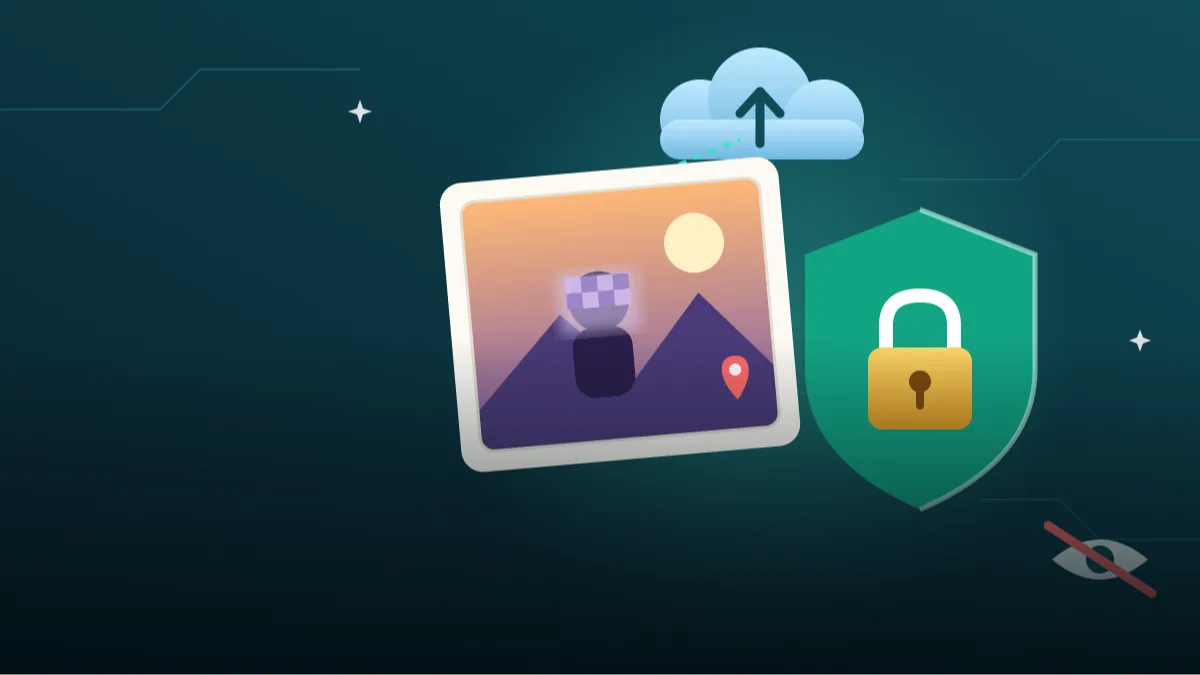
Switch off training or activity settings in each tool before uploading. Use temporary or incognito-style modes when available. Upload a cropped or blurred version when your face is not needed. Remove location data from the file. Use a separate account without personal details for experiments. Delete old chats you no longer need, and read the tool's deletion instructions because deleting from your view may not remove everything immediately.
- Check settings first, upload second
- Use temporary chat when offered
- Crop out documents, number plates and house numbers
- Remove location data from the file
- Delete conversations you no longer need
Is it safe to upload photo to AI when it is a family picture?
Our firm advice on is it safe to upload family photos to ai is to be most cautious with children's photos, school uniforms and photos that reveal home or school locations. A child cannot agree to this, and photos can circulate in ways you do not expect. Elder relatives and friends should also be asked before you upload their faces.
If you want to use AI on a family picture, ask permission, crop out identifying background details and use the strictest privacy settings. If you are not comfortable, simply do not upload it.
AI photo apps privacy in India: laws and everyday sense
India's Digital Personal Data Protection Rules were notified on 13 November 2025 and are being phased in over about 18 months. Reports say the main obligations on companies, such as clearer notices and consent and breach reporting, are due to apply by around May 2027. This should make ai photo apps privacy india practices clearer over time, but laws take time to show results in real life, and we cannot predict how each app will act.
Until then, apply common sense. Prefer well-known services with clear policies. Be suspicious of random apps that ask for broad phone permissions, ask you to pay for free filters or have no privacy page. Free apps are sometimes paid for with your data.
Deleting photos from AI tools: what to expect
To handle delete photos from ai tools, find the delete or manage activity option inside the service, and remove the conversation containing the photo. Understand that backups, review copies or legal holds may mean complete removal takes time or is not possible in every case. The official help pages describe what applies to you, and if you are unsure, you can ask the company's support.
Questions to ask before sharing any photo with AI
A short mental check can save you from regret. Ask yourself: would I be comfortable if this photo appeared on a public page? Does it show anyone who has not agreed? Does it show a document, a screen, a number plate, a school badge or a street sign? Is there a simpler way to get what I want without a face in the picture?
If any answer worries you, crop, blur or choose a different photo. These questions feel slow the first time, but after a few days they become automatic, much like checking who is in your lane before changing direction.
Spotting risky apps and fake offers
Not every AI photo app is from a trustworthy company. Warning signs include no clear privacy page, no named company, requests for access to contacts, messages or your entire gallery when the feature does not need it, and promises of magical results for a tiny fee. Download only from official app stores, read recent reviews, and check what permissions are requested.
Be careful with links in messages that offer free AI photo edits. Some are designed to collect personal details. If something sounds too good, it may well be. When in doubt, use a well-known service you already trust, or skip the trend entirely.
Sources and further reading
Pages we consulted while preparing this guide. Policies change, so open them for the current version.
- OpenAI Help Center, Data controls FAQ: https://help.openai.com/en/articles/7730893
- OpenAI Help Center, Temporary Chat: https://help.openai.com/en/articles/7730893-temporary-chat
- Google Gemini Apps Help, privacy information: https://support.google.com/gemini/answer/13594961
- Tech coverage of Gemini upload changes: https://tech.yahoo.com/ai/articles/gemini-uploads-could-soon-used-145932678.html
- AZB & Partners on DPDP phased rollout: https://www.azbpartners.com/bank/indias-digital-personal-data-protection-act-phased-rollout-and-key-compliance-milestones/
Frequently Asked Questions
So, is it safe to upload photo to ai tools or not?
It can be reasonably safe when you choose a reputable service, check its data settings and avoid sensitive photos, but no one can promise zero risk. If a photo would hurt you if it leaked, do not upload it.
Can employees see my photos?
Some services say a sample of conversations may be reviewed by trained reviewers for quality or safety. Read each provider's policy and avoid confidential images.
Is deleting the chat enough?
It removes it from your view and usually starts the deletion process, but retention rules vary and some data may be kept for a limited time. Check the help page.
Should I upload ID cards or documents?
We recommend not to. Aadhaar, PAN, passports and similar documents are highly sensitive, and there is rarely a good reason to share them with a chatbot.
Final Thoughts
So, is it safe to upload photo to ai tools? Safer, yes, when you check settings, crop sensitive details, avoid documents and children's photos, and use official apps from known companies. Completely safe, no, and nobody should tell you otherwise.
Take five minutes to look at the data settings in the tools you use today. Then try our other guides and prompts, and browse more on Tech Boi Prompt when you are ready to experiment with a clear head.
Note: AI image and text results vary by tool, version and settings. Use only your own photos, avoid copying real people’s likeness, and follow the terms of the AI tool you use.