AI Photo Editing Trends to Watch in 2027
 AI GUIDEAI PHOTO EDITING TRENDS6 COPY-PASTE PROMPTS
Everyone wants to know the ai photo editing trends 2027 will bring. We should be upfront: nobody can predict a year ahead with certainty, and anyone who sounds completely sure is guessing. What we can do is look at what already exists today, what companies have openly announced, and which directions seem likely, and then label each point honestly as fact or guess.
This is a guide for beginners and hobby creators in India who edit photos on their phones for Instagram, WhatsApp status, small business posts or family albums. You do not need special software or a powerful laptop for most of what follows.
Below you will find the trends we think matter, the habits that will stay useful even if the tools change, and six prompts to practise on your own photos.
- Copy-Paste Prompts
- AI photo editing trends 2027, part one: chat-based editing becomes normal
- AI photo editing trends 2027, part two: labels, watermarks and content credentials
- Trend three: privacy gets more important
- What to practise now for the best ai photo editor for beginners experience
- How to edit photos with Gemini or ChatGPT, step by step
- Posting edited photos: be honest and check platform rules
- A week-one plan for ai photo editing trends 2027 readers
- Mistakes to avoid when following AI photo editing trends
- Sources and further reading
- FAQs
Try These Example Prompts: Ai Photo Editing Trends 2027 (6 Ready Ideas)
1. Natural light clean-up
Using my attached photo, brighten the shadows gently and balance the exposure so it looks like a normal well-lit phone photo. Keep my face, skin texture, hairstyle and expression exactly unchanged. Do not smooth skin or change body shape. Keep colours natural, slightly warm. Output at the same framing as the original.
Starting with a gentle fix teaches you how much the tool changes without being asked. Compare before and after side by side.
2. Remove a distraction
In my attached photo, remove the [DESCRIBE OBJECT, e.g. plastic chair on the left edge] and fill the area so it matches the surrounding background, including lighting and texture. Do not change any person, text or other objects. Keep the image sharp and the same size.
Name one object and its location. Vague requests like clean the background often change more than you wanted.
3. Change time of day
Edit my attached photo so the scene looks like soft golden-hour light from the left. Keep the people, clothes, pose and location the same, and keep the sky believable for [CITY OR SETTING]. Add gentle warm highlights and long soft shadows. Do not add new objects. Keep faces unchanged.
Light changes are one of the most natural uses. If shadows look wrong, ask again with a simpler direction such as from the right.
4. Product photo tidy-up for sellers
This is my own product photo: [PRODUCT]. Replace the cluttered background with a plain off-white surface and soft shadow underneath. Keep the product shape, colour, logo and label exactly as they are. Do not add extra items, fake badges or text. Square format.
Always compare colours with the real product. Customers expect the photo to match what they receive.
5. Restore an old family photo
Gently restore this old family photo that I own: reduce scratches, fold lines and dust, improve contrast a little, and keep it black and white. Do not change anyone's face, clothes or expressions, and do not add details that are not visible. Keep the original framing.
Restoration tools can invent details in blurry faces. Keep the original scan so you can compare.
6. Consistent colour for a feed
Apply a consistent look to my attached photo for an Instagram grid: slightly lifted blacks, warm skin tones, muted greens, and soft contrast. Keep it realistic, not heavily filtered. Do not alter faces, body shapes or backgrounds. After editing, describe the colour changes in three short bullets so I can repeat them.
Asking for the changes in words helps you learn manual settings, which still matter when the app changes.
AI photo editing trends 2027, part one: chat-based editing becomes normal
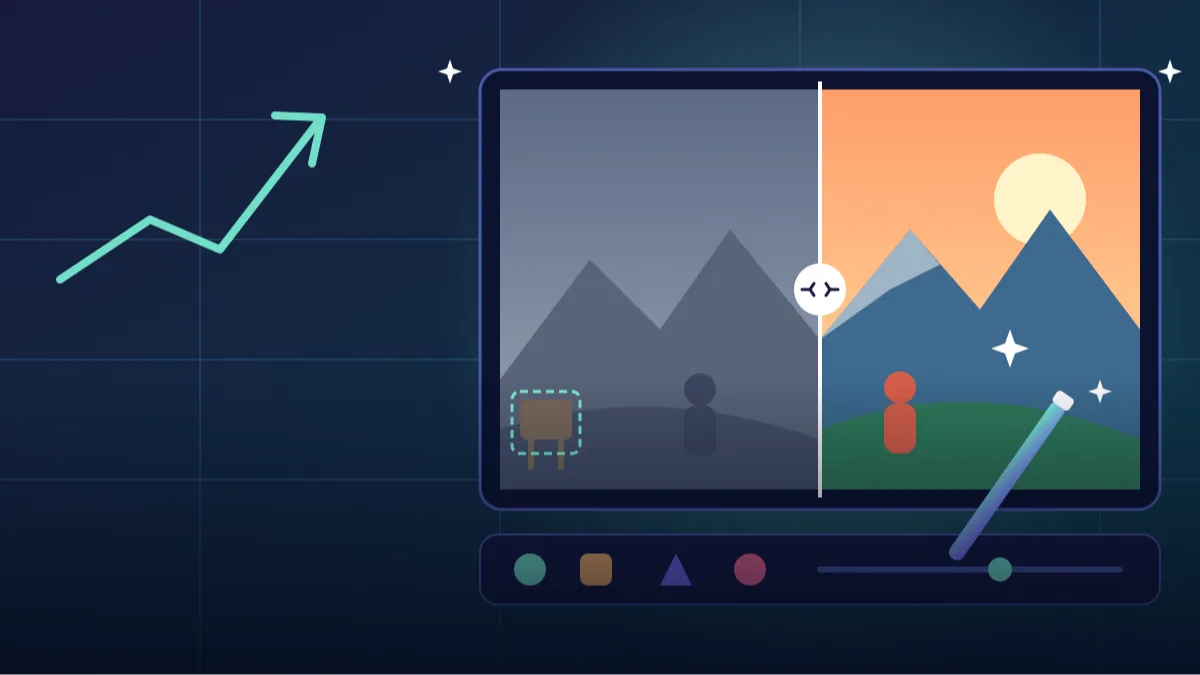
The clearest direction in ai photo editing trends is editing by describing. Google Photos already has a Help me edit option where you type or speak what you want changed, and in late 2025 Google said it was updated to use its Nano Banana image model. Reports also say that some of these tools support Indian languages including Hindi, and that availability depends on your country, phone and app version.
Our honest guess is that by 2027 more apps will treat chat based photo editing as the default front door and sliders as the advanced view. Whatever the apps look like, the skill that matters stays the same: being able to say clearly what you want. If you can describe light, location and what must stay unchanged, you will do well in any tool.
AI photo editing trends 2027, part two: labels, watermarks and content credentials
More images are being marked as AI-made or AI-edited. Two ideas are worth knowing. C2PA Content Credentials are metadata attached to a file that records how it was made. SynthID is Google's invisible watermark embedded in the pixels. Google has said Gemini can check for SynthID in an image you upload, though this only covers images made with Google's own tools for now, and that wider checks are planned. Adobe also attaches Content Credentials to images made with some of its generative features.
These systems are not perfect. Metadata can be lost when someone takes a screenshot, and no checker is guaranteed to catch everything. In India, rules about labelling synthetic media on large platforms were proposed in 2025 and, according to a law-firm analysis, were later finalised for early 2026. We could not verify the final text, so please read the official notice before relying on any detail. The practical takeaway: expect more labels, and be open about edits that change what a photo shows.
Trend three: privacy gets more important
When you upload a photo to an AI tool, it leaves your phone. Settings differ between services, and they change. For instance, Google's Gemini help pages describe an activity setting that affects whether your chats may be reviewed to improve its services, and OpenAI describes a Data Controls option and a Temporary Chat mode for ChatGPT. We cover this in detail in our privacy guide, but for now, make it a habit to check the settings before uploading photos of family members, especially children.
India's Digital Personal Data Protection Rules were notified in November 2025 and are being phased in over about 18 months, so more companies should be explaining how they use personal data. Whether that makes tools easier to trust in practice is something we will have to wait and see.
What to practise now for the best ai photo editor for beginners experience
People often ask for the best ai photo editor for beginners. There is no single winner because it depends on your phone, budget and goals, and features change every few months. Instead of chasing one app, practise habits that carry over.
Learn basic composition first: straight horizons, clean edges, a clear subject. Learn to read light: notice where it comes from and how hard it is. Then learn three or four edits well: exposure, white balance, cropping and removing a small distraction. Use AI for the last ten percent, not as a rescue for a blurry photo. Finally, keep your originals untouched in a separate folder.
- Shoot in good light whenever you can
- Keep the original file and edit a copy
- Describe what must not change, such as faces and logos
- Check colours and details at full zoom
- Note down prompts that gave you results you liked
How to edit photos with Gemini or ChatGPT, step by step
If you are wondering how to edit photos with gemini, the basic flow is similar in most chat tools. Open the app, attach your own photo, and type a clear instruction. Say what to change, what to keep, and the format you want. Review the result at full size, then ask for one small correction at a time instead of rewriting everything.
If the face or body looks different from you, say so directly and ask the tool to keep the original features, or try again with a cleaner photo. Results vary from attempt to attempt, so a retry is normal and not a sign that you did something wrong.
Posting edited photos: be honest and check platform rules
Many readers ask is ai edited photo allowed on instagram. Platforms generally allow edited images, but their rules on labelling AI-generated or AI-altered content change over time, and we could not verify a single current rule for every app. Check the help section of the platform you post on.
As a personal rule, if an edit changes what really happened, for example adding people who were not there or changing a place, say so in the caption. For product photos, never edit away flaws that buyers should know about.
A week-one plan for ai photo editing trends 2027 readers
Reading about trends is fine, but you learn faster by doing. Here is a gentle plan for one week. On day one, pick five of your own photos: one portrait, one food or product shot, one landscape, one low-light shot and one old family picture. Keep the originals in a separate folder.
On days two to four, try one edit per photo using a chat-style tool, and write down the exact words you used and what came out. Did the face stay the same? Did the colours look natural? Did it add things you never asked for? Those notes are worth more than any ranking of apps.
On days five and six, repeat your best edit in a different tool and compare. On day seven, choose the two results you would actually post, and decide honestly whether any caption needs a note that the picture was edited with AI. By the end you will know your own preferences, and you will be less likely to be swayed by whatever is loud on social media next month.
Mistakes to avoid when following AI photo editing trends
The first mistake is over-editing. AI tools make it easy to smooth skin, whiten teeth and reshape everything, and the result can look plastic and distant from reality. A light touch usually looks more trustworthy, and your friends will still recognise you.
The second is uploading everything without thinking. Documents, children's photos and pictures showing your home address do not belong in a casual experiment. The third is trusting one result. Results vary between attempts, so try again with a simpler instruction instead of assuming the tool is broken. The fourth is forgetting the basics: a sharp, well-lit original will always beat a rescued blurry one.
Sources and further reading
Pages we consulted for this guide. Please check them for the latest information.
- Google blog, AI image verification in the Gemini app: https://blog.google/innovation-and-ai/products/ai-image-verification-gemini-app/
- Adobe Help, Content Credentials overview: https://helpx.adobe.com/sg/creative-cloud/help/content-credentials.html
- SiliconANGLE report on Nano Banana editing in Google Photos: https://siliconangle.com/2025/11/11/google-photos-adds-support-nano-banana-powered-ai-editing-features/
- Freshfields analysis of India's IT Rules changes on synthetic content: https://technologyquotient.freshfields.com/post/102mjwn/india-targets-deepfakes-and-ai-generated-content-key-changes-under-meitys-2026
- AZB & Partners on DPDP phased rollout: https://www.azbpartners.com/bank/indias-digital-personal-data-protection-act-phased-rollout-and-key-compliance-milestones/
Frequently Asked Questions
Can anyone really predict the ai photo editing trends 2027?
Not exactly. We can follow what companies have announced and what people are already using, but new tools appear quickly, so treat every forecast, including ours, as an informed guess.
Will AI replace photo editors?
It will likely change the work, making routine fixes faster, while judgement, taste and client understanding stay valuable. We cannot say how jobs will change in detail.
How can I tell if an image was made with AI?
Look for labels and content credentials, and check Gemini's SynthID check for Google-made images. None of these methods is perfect, so use your own judgement and the original source too.
Do I need a paid app to start with AI photo editing?
No. Many phones and chat tools offer free options, though limits change. Learn on the free version and upgrade only if it blocks your real work.
Final Thoughts
The ai photo editing trends 2027 points to are mostly extensions of what we can already see: editing by conversation, more labelling of AI images, and more attention to privacy. The tools will keep changing, but the habits of good light, honest edits and careful uploads will not go out of date.
Pick one of the prompts above, attach your own photo, and see how it behaves. Then come back and browse the other prompts on Tech Boi Prompt for more ideas to try.
Note: AI image and text results vary by tool, version and settings. Use only your own photos, avoid copying real people’s likeness, and follow the terms of the AI tool you use.