App and Website Hero Image AI Prompts
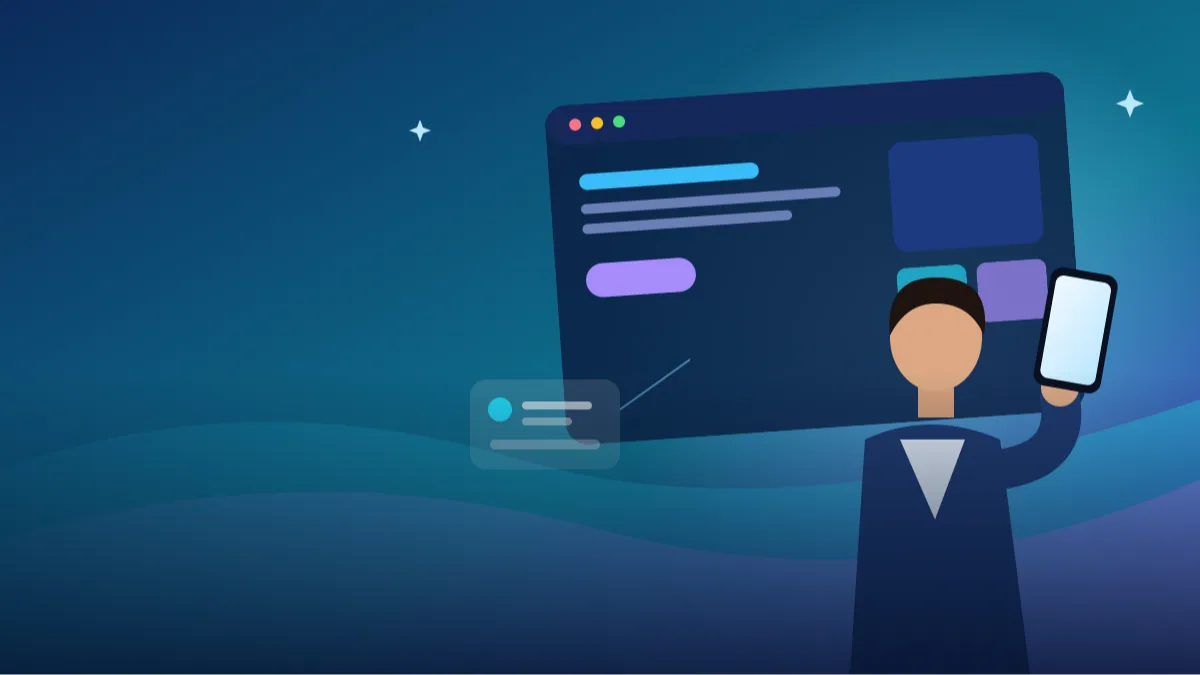 AI PHOTO PROMPTSAPP WEBSITE HERO IMAGE8 COPY-PASTE PROMPTS
The hero image is the first thing visitors see on your site. If it is cluttered, generic or hard to read over, they leave. A clear hero image prompt gives you a wide, calm picture with deliberate empty space for your headline and button, which is what designers actually need.
We have written eight prompts for different needs: an app launch, a SaaS dashboard backdrop, a local service business, a course page and more. Some use your own photo as the human element. Others are abstract scenes with no people. Either way, a website hero banner ai picture should support your message, not compete with it.
Do not ask the AI to write the headline inside the image. Text rendering is unreliable. Add real text later in your design tool or website builder.
- Copy-Paste Prompts
- Size, empty side and a real headline test for your hero image prompt
- Why your landing page header image should weigh under 200 KB
- Subject in the centre, invented buttons, gibberish text: the usual hero image mistakes
- Alt text, social previews and other uses of the same picture
- Reading a hero image the way a designer does
- Picking the right kind of hero for your product
- Fixing a hero image prompt that did not behave
- Adapting one prompt for your own page, step by step
- FAQs
Copy-Paste Prompts: Hero Image Prompt (8 Ready Ideas)
1. Founder with Phone App Launch
SUBJECT: Use my attached photo, keep my face, hair and skin tone unchanged.
OUTFIT: Casual smart shirt.
SETTING: Bright modern workspace, large blurred window, plain wall.
LIGHT: Soft daylight from the left.
CAMERA: Wide 16:9 frame, 35mm lens look, me on the right third holding a generic smartphone with a blank bright screen, smiling; left two thirds calm empty space for a headline.
STYLE: Clean, optimistic, true colours.
AVOID: Readable screen content, logos, text, clutter on the left side.
Blank phone screens avoid garbled interface text. Add your real app screenshot afterwards.
2. Abstract Gradient Tech Backdrop
SUBJECT: No people. Abstract soft gradient waves in deep blue, teal and a hint of violet.
SETTING: Smooth flowing layers, subtle light grain, gentle depth.
LIGHT: Soft glow from the lower right.
CAMERA: Wide 16:9, flat composition, calm area on the left for text.
STYLE: Modern SaaS homepage backdrop, clean, no objects.
AVOID: Text, logos, icons, sharp lines crossing the text area, busy patterns.
Abstract backdrops stay readable and load fast. Keep one side quiet for the headline.
3. Local Service Business Team Member
SUBJECT: Attached photo of me as the business owner, face unchanged.
OUTFIT: Neat uniform shirt in a plain colour.
SETTING: Tidy outdoor home entrance with a plant, blurred, no house number.
LIGHT: Soft morning daylight.
CAMERA: Wide 16:9 frame, 35mm lens look, me on the left third with a friendly smile; right two thirds quiet for text and a button.
STYLE: Trustworthy, bright, natural colours.
AVOID: Readable signs, vehicles with logos, text, extra people.
Local trust matters. A friendly face at the entrance suits plumbers, electricians and cleaners.
4. Online Course Instructor at Desk
SUBJECT: Use my attached photo, face unchanged.
OUTFIT: Solid colour shirt.
SETTING: Clean desk with a laptop (blank screen), notebook and plant, light wall.
LIGHT: Soft front window light.
CAMERA: Wide 16:9 frame, 50mm lens look, me on the right, speaking to camera; left side empty for the course title.
STYLE: Friendly, calm, bright.
AVOID: Readable screens, brand logos, text, clutter.
Keep the desk tidy. Fewer objects give the headline more room.
5. Dashboard Desk from Above
SUBJECT: No faces. Top-down view of a clean desk with a laptop showing a blurred abstract chart-like glow (no real data or text), a coffee cup and a notebook.
SETTING: Light wood desk, soft shadows.
LIGHT: Soft daylight from the top.
CAMERA: Wide 16:9, 50mm lens look, objects on the right side; empty wood surface on the left for text.
STYLE: Calm, professional, pastel colours.
AVOID: Readable numbers, brand logos, hands, text.
Good for SaaS and finance-tool homepages. Avoid real numbers to prevent fake data.
6. Fitness App Morning Run
SUBJECT: Attached photo of me, face and body unchanged.
OUTFIT: Plain running clothes.
SETTING: Park path at sunrise, soft mist and trees blurred.
LIGHT: Warm sunrise from behind.
CAMERA: Wide 16:9, 50mm lens look, me running on the right third, empty path and sky on the left for headline.
STYLE: Energetic, fresh, natural colours.
AVOID: Brand logos, other runners, text, harsh lens flare.
Sunrise glow suits wellness apps. Keep the left sky clean for large text.
7. Food Delivery Warm Table
SUBJECT: No faces. A tidy wooden table with a few simple home-style dishes in plain bowls, steam softly visible.
SETTING: Warm kitchen background, blurred.
LIGHT: Warm window light from the left.
CAMERA: Wide 16:9, 50mm lens look, dishes on the right; empty table and wall on the left for text.
STYLE: Appetising, cosy, natural colours.
AVOID: Packaging with logos, readable menus, hands, text.
Warm tones suit food apps. For real menu items, replace dishes with your own photos.
8. Travel Booking Landscape
SUBJECT: No people. A quiet hill station valley at sunrise with layers of mist and distant mountains.
SETTING: Soft green slopes, small wooden cabin far away.
LIGHT: Soft golden sunrise light.
CAMERA: Wide 16:9, 35mm lens look, scenery on the right; calm sky on the left for headline and search bar.
STYLE: Serene, natural colours, high clarity.
AVOID: Tourists, signboards, text, over-saturated sky.
Scenic images need a calm area for the search box. Ask for a clean sky on the text side.
Size, empty side and a real headline test for your hero image prompt
Decide the exact size first. Most hero sections are 16:9 or wider, and some themes use 21:9. Say it in the prompt, and also state which side must stay empty, because your headline and button will go there. 'Subject on the right third, clean empty wall on the left two thirds' is a line worth copying.
Generate, then test. Place the image in your page draft with the real headline and button, not placeholder text. If words are hard to read, ask for a calmer, darker or lighter area on that side. Do this on your phone too, because a hero that looks great on a laptop often crops badly on a narrow screen.
- Say 16:9 or 21:9 in the prompt.
- Name the empty side clearly.
- Test with real text before publishing.
Why your landing page header image should weigh under 200 KB
A good landing page header image is not just pretty, it is light. Large files slow your site and hurt visitors on mobile data, which is a big part of the audience in India. Export in WebP or compressed JPEG and aim for roughly 200 KB if you can, though the exact limit depends on your page.
Simple images compress better. Soft gradients and calm scenes make smaller files than detailed busy ones, so a quiet backdrop helps speed as well as readability. Make a separate crop for phones instead of letting the browser squeeze the wide image.
- Compress before upload.
- Use WebP where supported.
- Make a separate crop for phones.
Subject in the centre, invented buttons, gibberish text: the usual hero image mistakes
The most common mistake is putting the subject in the centre. That leaves no space for text on either side. Place the person or product on one third and keep the rest calm.
Another is asking the AI to show your actual app interface. It will invent buttons and gibberish words, and a visitor who tries to find that button on your real app will be disappointed. Use blank or softly glowing screens in the prompt and place your real screenshots yourself afterwards in a design tool.
Alt text, social previews and other uses of the same picture
Add descriptive alt text such as 'Founder holding a phone beside empty space for a headline'. It helps screen-reader users, and it gives search engines a plain description of the image. Keep it short and honest, with no keyword stuffing.
Reuse the same picture for social previews, email headers and a launch post, cropped as needed. A single strong app launch banner prompt result can serve many places, which is another reason to keep the composition simple and the empty space generous.
Reading a hero image the way a designer does
When a picture comes back, do not ask 'is it pretty?' first. Ask three plainer questions. Where does the eye land? Where will the headline go? Will the image still work when the page is cropped for a phone? A good hero image prompt result answers all three without any editing.
Start with the eye path. In a good hero, the viewer sees the subject first, the empty space second and the supporting detail last. If a bright window, a plant or a glowing screen sits at the same brightness as the subject, the eye bounces around. Ask ChatGPT to 'lower brightness of the background, keep the subject as the brightest area'.
Next, test the text area with a real sample. Paste the image into your design tool, type your actual headline in the size you plan to use, and see if every letter is readable. Check at the width of a laptop and at the width of a phone. If any part of a letter crosses a busy edge, ask for 'a smoother, quieter background behind the headline area'.
Finally, check colour harmony with your brand. A bright orange sunrise can be gorgeous and still clash with a deep blue button. If so, write the button colour into the prompt: 'cool tones that suit a blue button, avoid strong orange'.
Picking the right kind of hero for your product
People shots, abstract backdrops and scene shots do different jobs. A human photo builds trust, which suits personal brands, coaches, clinics and local services where the visitor wants to know who is behind the page. An abstract gradient suits a saas homepage image ai because nothing in it can look wrong or promise a feature you do not have. A scene shot, such as a quiet valley or a warm kitchen table, creates a mood for travel, food and lifestyle sites.
Think about honesty too. If you run a food delivery page and show a table full of dishes your kitchen does not serve, visitors feel cheated. Use the AI picture for ambience, and let your real menu photos show the actual food lower on the page. For an app, never ask the AI to invent your interface. Keep a blank phone screen and later place your real screenshot on top in a design tool.
If you are a very early-stage founder with no photos, an abstract backdrop in your brand colours is the safest start. Replace it later with a real team photo when you have one; real faces beat generated scenery in the long run.
Fixing a hero image prompt that did not behave
Problem: the subject sits in the middle. Fix: reply 'move the subject to the right third, shift the camera so the left two thirds are plain wall'. Problem: gibberish text appears on laptop screens, posters or shirts. Fix: say 'all screens blank or softly glowing, no posters, plain clothes with no print'. Problem: the face looks slightly different from you. Fix: attach a clearer front-facing photo and repeat 'face unchanged'; avoid heavy smiles that change your teeth and cheeks.
Problem: the picture looks like stock photography. Fix: add real, specific details, such as 'a slightly worn wooden desk, a steel water bottle, afternoon light with soft shadows', and reduce the 'perfect' wording. Problem: the image is too dark for white text. Fix: ask for 'bright airy exposure, lifted shadows' or choose a dark text colour on a light background.
If it is nearly right, do not start from scratch. Reply with one fix at a time, like 'same image, but make the left side calmer'. ChatGPT usually keeps the rest more or less the same.
Adapting one prompt for your own page, step by step
Take the local service business prompt. Imagine you run a home tutoring service. Change the setting from an entrance to 'a bright study corner with bookshelves, blurred', and the outfit to 'plain shirt, no badge'. Keep the left-third placement but swap sides if your headline sits on the left in your template. Add a calm sentence: 'warm, patient mood, natural light'.
Now write the three things you will place later: headline, button, optional small trust line. Check each fits in the empty area. Export one wide and one square version. Add alt text, such as 'Tutor sitting at a study desk, empty space beside for text'. That is a complete, honest hero in four steps.
Frequently Asked Questions
What size should a hero image be?
Around 1920 by 1080 pixels is common for a full-width hero. Compress it so the page still loads quickly, and check how it crops on a phone.
Can I include my face?
Yes, with your own photo and the face-unchanged instruction. Many small businesses and solo professionals do this to build trust, but use a recent picture so people recognise you when they meet you.
Should text be inside the image?
No. Add real text in your website builder so it stays sharp, searchable and responsive.
Why is the empty side not empty?
AI sometimes ignores layout instructions. Repeat 'clean empty space on the left, no objects' and try again.
Final Thoughts
A clear hero image prompt gives your homepage a strong first impression and leaves room for the message that matters. Start with the layout of your headline, then ask for the subject to sit on the opposite side.
Test the result with your real words on a phone before publishing. If you also need a matching strip for the top of a store or blog, our other business photo and banner prompts on Tech Boi Prompt will help keep the colours consistent.
Note: AI image and text results vary by tool, version and settings. Use only your own photos, avoid copying real people’s likeness, and follow the terms of the AI tool you use.