Photographer Portfolio Image AI Prompts
 AI PHOTO PROMPTSPHOTOGRAPHER PORTFOLIO IMAGE8 COPY-PASTE PROMPTS
You have shot hundreds of weddings, engagements and product catalogues, and not one decent picture of yourself. Then a client asks for an About page photo and you scroll your gallery in vain. A clear portfolio photo prompt fixes that quickly, using one honest picture of you and a few smart instructions.
The prompts below show you with a camera in a studio, on location, at a wedding venue and in a quiet editing corner. We kept camera brands out on purpose; naming products often produces badly drawn logos. A photographer self portrait ai set should be about your craft, not about gear.
Remember to attach your own picture and keep your face unchanged. If your own portfolio is your sales tool, be extra careful that the result matches how you look in real life.
- Copy-Paste Prompts
- Which photo of myself should I start with?
- How do I make an About-me picture feel real, not stagey?
- Where should I stop using AI in my photography brand?
- Where can I use the new portrait online?
- How do I match a portfolio prompt to my genre?
- Is the camera, hand grip and light believable?
- Can I make a website banner from the Golden Hour prompt?
- What should I tell clients about AI-made portraits?
- FAQs
Copy-Paste Prompts: Portfolio Photo Prompt (8 Ready Ideas)
1. Studio Behind the Camera
SUBJECT: Use my attached photo, keep my face and hairstyle unchanged.
OUTFIT: Dark plain shirt with sleeves rolled.
SETTING: Photography studio with a softbox and light stand blurred, grey seamless backdrop.
LIGHT: Soft studio light with a small hair light.
CAMERA: Chest-up, 85mm lens look, holding a generic black mirrorless camera near my face, looking into the lens.
STYLE: Professional, crisp, realistic.
AVOID: Camera brand logos, readable text on gear, extra people, warped fingers.
Camera logos usually come out wrong, so we ask for a generic black body.
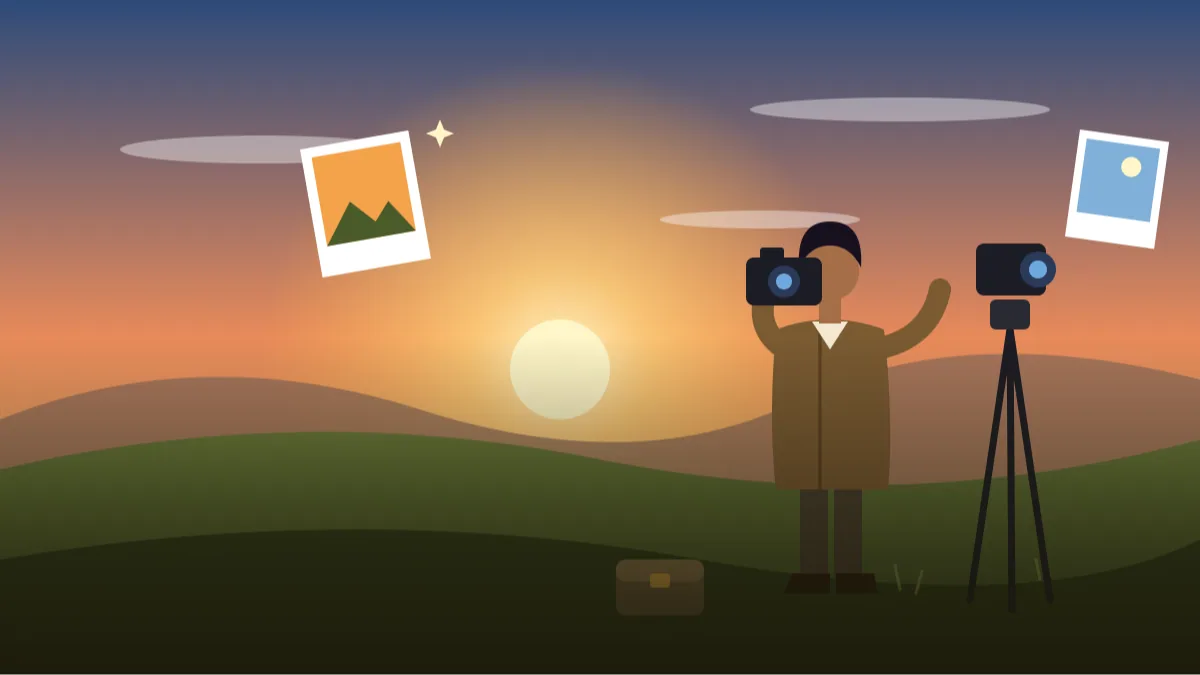
2. Golden Hour Location Scout
SUBJECT: Attached photo of me, face unchanged.
OUTFIT: Earth-toned jacket, simple tee, comfortable trousers.
SETTING: Open grassy hill at golden hour, a camera bag at my feet, no logos.
LIGHT: Warm low sun as a rim light, soft reflected fill.
CAMERA: Full-body, 35mm lens look, looking at the horizon then glancing at the camera.
STYLE: Cinematic yet natural, warm tones.
AVOID: Crowds, lens flare over the face, brand names, text, extra tripods.
Nice for landscape and travel photographers. The camera bag adds story without detail errors.
3. Wedding Venue Candid
SUBJECT: Use my attached photo, keep face the same.
OUTFIT: Black shirt and trousers, discreet and neat.
SETTING: Decorated wedding hall with soft marigold flowers and fairy lights, guests not visible.
LIGHT: Warm ambient lights, soft fill on the face.
CAMERA: Waist-up, 35mm lens look, holding a camera low, smiling at the lens.
STYLE: Warm, festive, natural.
AVOID: Identifiable guests, couples, readable banners, camera logos.
Great for wedding photographers' about section. We keep guests out for privacy.
4. Editing Desk Moment
SUBJECT: Attached photo of me, face unchanged.
OUTFIT: Comfortable sweater.
SETTING: Dim editing corner with a large monitor showing abstract colourful blurs, no readable screen content.
LIGHT: Soft glow from the monitor plus warm desk lamp.
CAMERA: Three-quarter angle, 50mm lens look, looking at the screen then turning to smile.
STYLE: Moody, focused, natural colours.
AVOID: Software logos, readable images on the screen, glow on skin, text.
An editing desk image shows you do the work personally. Keep the screen abstract.
5. Black and White Classic
SUBJECT: Use my attached portrait, keep my face exactly the same.
OUTFIT: Simple dark shirt.
SETTING: Plain dark background.
LIGHT: Single soft window-like key light from the right.
CAMERA: Head and shoulders, 105mm lens look, camera held lightly in one hand near the chest, calm gaze.
STYLE: Black and white, fine film grain, timeless.
AVOID: Crushed shadows, heavy smoothing, logos, text.
A monochrome portrait looks artistic and avoids colour mismatches.
6. Street Photographer Walk
SUBJECT: Attached photo of me, face unchanged.
OUTFIT: Light jacket, plain tee, cross-body camera strap without logo.
SETTING: Narrow old-town lane with colourful walls blurred, no readable signs.
LIGHT: Soft daylight with some shadow play.
CAMERA: Three-quarter body, 35mm lens look, walking with a small camera at hip height, candid.
STYLE: Documentary, vivid but natural.
AVOID: Identifiable strangers, signboards with text, brand names, traffic.
Blurred lane gives the vibe of street photography. Keep people out for privacy.
7. Product Photographer Tabletop
SUBJECT: Use my attached photo, keep face the same.
OUTFIT: Neat dark apron over a tee.
SETTING: Tabletop setup with a white sweep, reflector cards and a generic unlabelled bottle, blurred.
LIGHT: Soft box light, bright and even.
CAMERA: Waist-up, 50mm lens look, adjusting a reflector, glancing at camera.
STYLE: Clean, precise, professional.
AVOID: Brand labels, readable text, extra people, messy cables.
A tabletop shows you handle product work. Replace the bottle with your own sample later.
8. Portrait Photographer Window Light
SUBJECT: Attached photo of me, face unchanged.
OUTFIT: Cream shirt and light cardigan.
SETTING: Bright studio room with a tall window and a simple stool.
LIGHT: Large window light, soft shadow on one side.
CAMERA: Chest-up, 85mm lens look, seated, camera resting in lap, gentle smile.
STYLE: Soft, airy, warm.
AVOID: Brand logos, harsh highlights, text, extra furniture.
Mirrors the look you may offer clients. It is a nice link between your work and your About page.
Which photo of myself should I start with?
Ask a friend to click a simple front-facing picture, or set a timer near a window. It does not need to be perfect, just clear, in daylight, with your face fully visible. Upload it and try one prompt at a time rather than all eight together.
As a photographer, you will spot small flaws quickly. Use that eye: check edges of hair, hands and eyes, then describe the fix in plain words and run again in the same chat. Treat the first output as a rough proof, the way you would treat an unedited frame.
- Start with a sharp source image.
- Avoid brand names for cameras.
- Save a few results for different pages.
How do I make an About-me picture feel real, not stagey?
Your photographer about me picture should match your genre. A wedding photographer can look warm and festive, a product photographer clean and exact. Clients hire for style as much as skill.
Keep the camera in a natural position. A camera pressed against the face hides your expression and looks like a stock photo. Hold it slightly lower or at your side, and let one hand rest naturally.
- Warm tones for weddings and portraits.
- Cool, clean tones for product work.
- Moody tones for fine art.
Where should I stop using AI in my photography brand?
The big mistake is letting AI do too much. If your site is full of AI images but your real work is not, clients feel confused and may doubt the rest. Use AI for your own profile pictures and mood visuals, never for fake client work or fake events.
Another mistake is camera logos. They almost never look right and can look like you are advertising a brand. Always ask for a generic camera with no logos, and leave out any lens names or model numbers.
Where can I use the new portrait online?
Use the images for your website About page, Instagram bio, Behance profile, WhatsApp Business display picture and business cards. Add one honest line about the type of work you do and the city you shoot in, so the picture and the words say the same thing.
If you add a photography website banner, keep the face on one side and leave space for a short headline. Check how it crops on a phone, since the banner often shrinks to a narrow strip there.
How do I match a portfolio prompt to my genre?
A wedding photographer, a product photographer and a street photographer should not look the same on their About pages. Clients decide in a few seconds whether your picture matches the pictures you sell. For weddings, warm light, softer colours and a smile signal that you are calm on a hectic day. For product work, a tidy desk, neutral colours and sharp focus suggest precision. A street photographer looks more believable in motion, with muted city tones and a plain jacket.
So when you adapt a portfolio photo prompt, change three things: the location, the clothing colour and the mood word. For instance, take the Studio Behind the Camera prompt and change "studio" to "quiet lane in an old market", change the clothing to "grey linen shirt" and change the mood to "curious and observant". You now have a very different photographer self portrait ai image without touching anything else.
Is the camera, hand grip and light believable?
Cameras are the hardest object in these pictures. Count the parts: a lens at the front, a viewfinder at the back, a grip on the side. If the camera looks like a box with two lenses, ask for "a simple mirrorless camera held naturally with both hands, no brand logos". For a camera in hand portrait prompt, hold position is important: the left hand should support the lens from below and the right hand should grip the body. Wrong hand positions are the clearest sign of an AI picture.
Light is the second check. A photographer who looks flatly lit feels odd, so ask for window light from one side with a gentle fill. Look at the shadow under the chin and the catch-light in the eyes; both should be soft and believable. If your face looks smoothed out, add "natural skin texture, visible pores" and lower the retouching.
Can I make a website banner from the Golden Hour prompt?
A photography website banner needs space for the menu and a headline, so a close portrait will not work. Start with the Golden Hour Location Scout prompt. Change the framing to "wide shot, photographer small in the lower left third, open landscape across the rest". Add "leave the upper centre clear and quiet". Generate in a wide ratio if the tool allows it, or crop later.
Then open a layout tool, place your logo and a single line, such as your city and type of work. Do not ask the AI to write the logo or the name, since letters usually come out distorted. Check the picture on a phone-sized preview, because most visitors will see your site there first.
What should I tell clients about AI-made portraits?
Your real strength is your actual photographs, so keep AI for the personal portrait and website mood visuals. If a client asks, say plainly that the picture was created with AI from your own photo. Do not put AI-made wedding or event scenes in your portfolio as if you shot them, and never show AI pictures of real clients. A wedding photographer profile photo made with AI is fine for your own About page, but your gallery should stay genuine.
A small habit that helps: keep a folder with the source photo, the final image and the exact prompt you used, so you can recreate the look when you change your hairstyle or move to a new studio.
Frequently Asked Questions
Should I show AI pictures in my portfolio itself?
No. Keep the portfolio for real photographs you took. Use AI only for your own profile and About images, and say so if asked.
Why does the camera look weird?
Cameras have lots of small parts. Ask for a generic black camera and keep it small in the frame.
Can wedding photographers use the wedding hall prompt?
Yes, it is made for them. Leave guests out of the picture to protect privacy.
Will AI keep my face accurate?
It tries. Use a clear source photo and state that the face must remain unchanged.
Final Thoughts
A thoughtful portfolio photo prompt gives you the one photo you never seem to have: a good picture of the photographer. Try the prompts above with your own photo, choose the one that matches your genre, and put it on your About page.
Choose the one genre that matches your work, upload a simple front-facing photo today and see if the result looks like someone you would book. If a trainer or chef in your circle needs a similar profile picture, profile photo prompts for other professions work the same way.
Note: AI image and text results vary by tool, version and settings. Use only your own photos, avoid copying real people’s likeness, and follow the terms of the AI tool you use.