AI Pet and Owner Matching Portrait Prompts
 AI PHOTO PROMPTSAI PET OWNER MATCHING8 COPY-PASTE PROMPTS
Ask any pet parent and they will tell you the same thing: the dog or cat is family. Birthdays, Diwali evenings, lazy Sundays, they are in every memory. A thoughtful pet owner portrait prompt helps you create a warm picture of both of you together, in matching colours or a themed scene, from your own photos.
The eight prompts here work in Gemini and ChatGPT image tools. You will upload two pictures: one of yourself and one of your pet. Each prompt asks the AI to keep your face and your pet's markings, colour and shape unchanged. We kept the scenes gentle and wholesome: cosy rugs, gardens, balconies and festive corners.
AI is better at people than at animals, and it may change fur patterns or ear shapes. So we included tips on describing your pet clearly and fixing small differences with simple follow-ups.
- Copy-Paste Prompts
- Uploading two photos for a pet owner portrait prompt
- Getting a matching outfit pet photo ai result that looks natural
- Dog and owner poses that the AI can actually draw
- Cat and owner scenes: windowsills, sofas and calm laps
- Using your own photos and family pet portrait ideas
- Mistakes that spoil a pet owner portrait prompt, and captions to finish
- Which AI tool to pick for pet portraits
- What to compare in the finished pet portrait
- Worked example: from matching sweaters to a festive rangoli corner
- Describing your pet clearly: colour, coat and personality
- Safety, comfort and kind limits for pet pictures
- FAQs
Copy-Paste Prompts: Pet Owner Portrait Prompt (8 Ready Ideas)
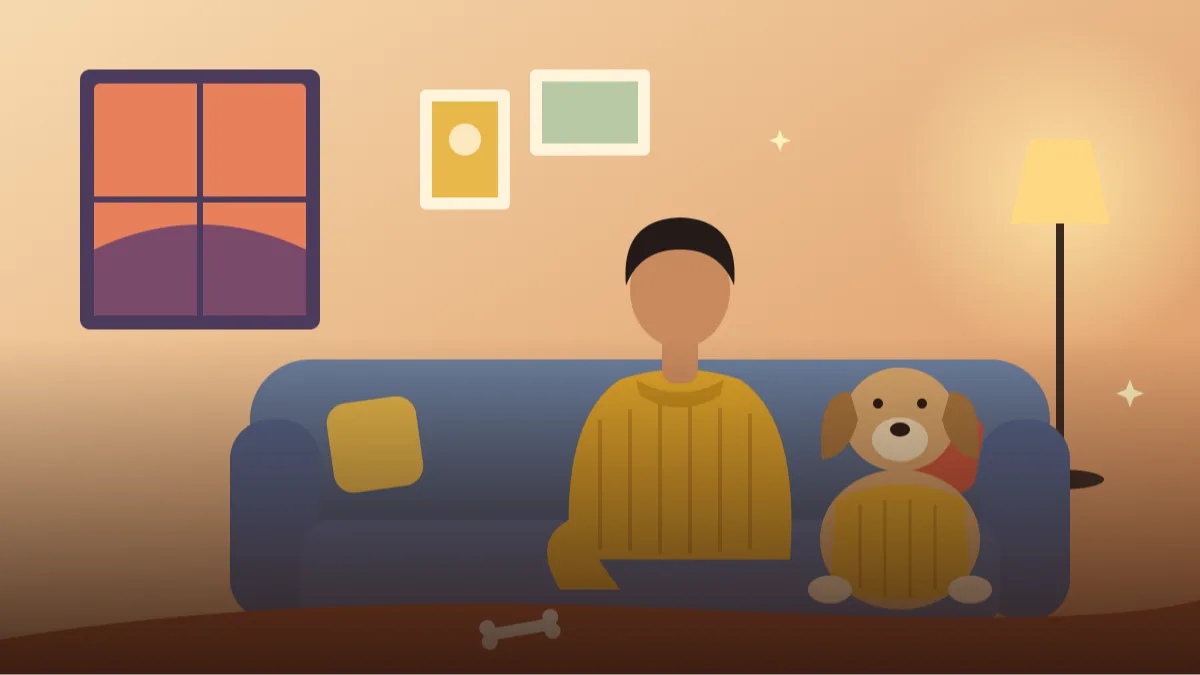
1. Matching Sweaters on the Sofa
Use my two uploaded photos: one of me and one of my pet. Keep my face and my pet's fur colour, markings and face unchanged.
SUBJECT: me sitting on a sofa with my pet beside me, both looking at the camera
OUTFIT: me in a mustard knit sweater, my pet in a small matching mustard knit coat
SETTING: cosy living room, soft cushions, warm lamp
LIGHT: warm evening light
CAMERA: 50mm, eye level, medium shot
STYLE: wholesome family portrait
AVOID: extra pets, distorted paws, text
Matching colours make a strong visual story. Keep pet clothing simple and comfortable.
2. Garden Morning Walk
Attach my photo and my pet's photo; keep my face and my pet's markings unchanged.
SUBJECT: me walking my pet on a leash along a garden path, both mid-step
OUTFIT: me in a soft green kurta and sneakers, my pet in a simple green bandana
SETTING: sunny garden with flower beds and tall trees
LIGHT: soft morning light, gentle shadows
CAMERA: 35mm, full body, slightly low angle
STYLE: fresh lifestyle photography
AVOID: tangled leash, extra legs, text
Walking poses can tangle legs. Ask for 'natural walking stride, leash relaxed' to keep it tidy.
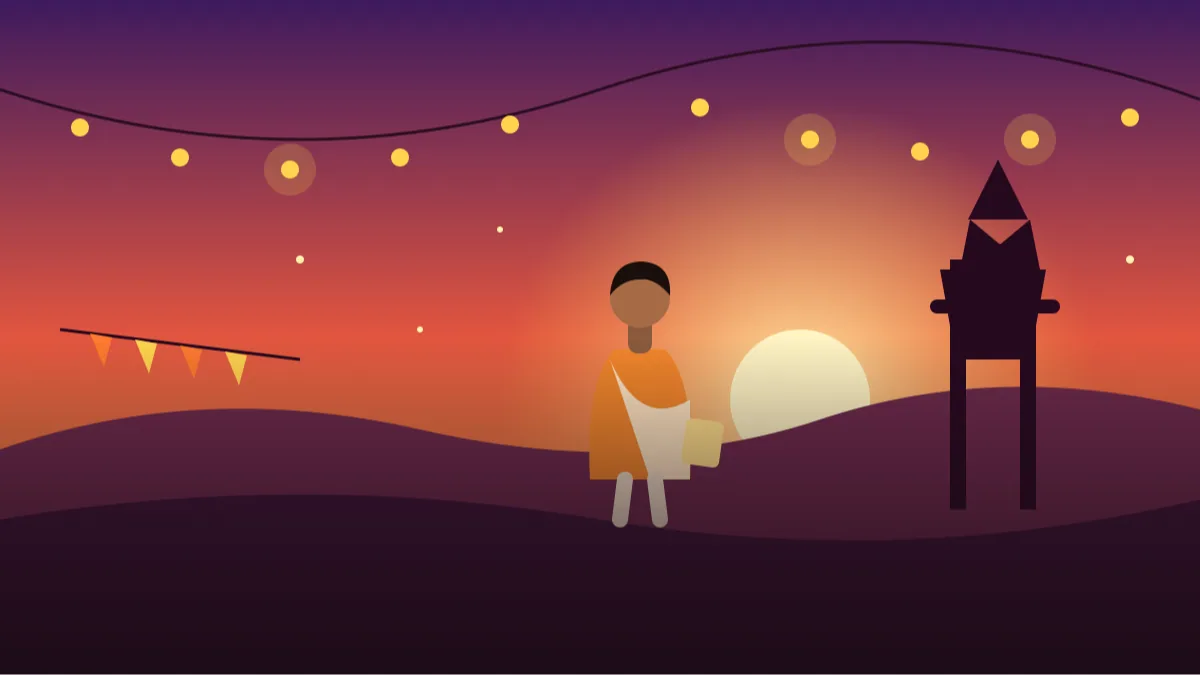
3. Festive Diya Corner
Use my uploaded photos of me and my pet. Keep my face and my pet's features unchanged.
SUBJECT: me kneeling beside my pet near a row of small diyas, both calm
OUTFIT: me in a cream kurta, my pet in a small orange scarf
SETTING: home entrance decorated with marigold garlands and rangoli
LIGHT: warm diya glow with soft ambient light
CAMERA: 50mm, low angle, shallow depth of field
STYLE: warm festive portrait
AVOID: flames near the pet, smoke, text on rangoli
Keep diyas at a safe distance in the picture. It is a nice festive idea without any risk.
4. Cat on the Window Ledge
Attach my photo and my cat's photo; keep my face and my cat's fur pattern and eye colour unchanged.
SUBJECT: me sitting by a window with my cat on the ledge, my hand resting gently near it
OUTFIT: me in a soft grey hoodie
SETTING: sunny apartment, curtains, a small plant on the sill
LIGHT: bright window light, gentle shadows
CAMERA: 50mm, medium shot, calm composition
STYLE: quiet and cosy
AVOID: extra tails, squeezed cat body, text
Cats look best when relaxed. Describe the cat's pose in one phrase like 'sitting upright, tail curled'.
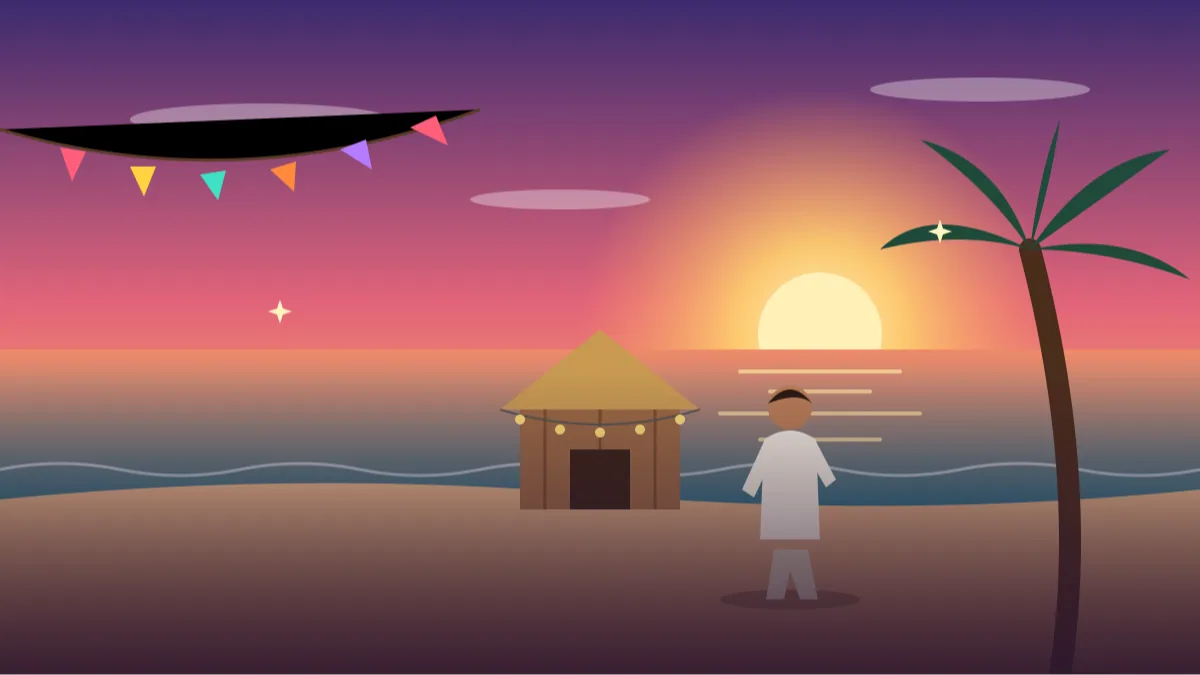
5. Beach Walk at Sunset
Use my uploaded photos, keep my face and my dog's colour, coat and face unchanged.
SUBJECT: me and my dog walking on a quiet beach, dog trotting ahead slightly
OUTFIT: me in a white linen shirt and rolled trousers, dog in a plain blue bandana
SETTING: wide beach, gentle waves, a few distant rocks
LIGHT: golden sunset glow from behind
CAMERA: 35mm, full body, wide frame
STYLE: warm travel diary
AVOID: crowds, extra dogs, floating objects
Beach scenes keep backgrounds simple. Say 'quiet, empty beach' to avoid crowds.
6. Matching Denim Day
Attach my photo and my pet's photo; keep both our faces unchanged.
SUBJECT: me hugging my pet gently, both smiling toward the camera
OUTFIT: me in a denim jacket and white tee, my pet in a small denim vest
SETTING: plain studio backdrop in warm beige
LIGHT: soft studio light, even and flattering
CAMERA: 85mm, tight framing
STYLE: clean studio portrait
AVOID: harsh shadows, squeezed pet, text
A plain backdrop avoids confusion. A good profile or card picture.
7. Birthday Cake Corner
Use my uploaded photos; keep my face and my pet's markings unchanged.
SUBJECT: me holding a small pet-safe cake in front of my pet, both looking happy
OUTFIT: me in a pastel shirt, my pet wearing a tiny paper party hat
SETTING: bright room with balloons and a simple banner without text
LIGHT: soft natural daylight
CAMERA: 50mm, medium shot, candid
STYLE: cheerful birthday photo
AVOID: readable banner text, candles near the pet, extra people
A banner with no text avoids spelling errors. Check pet treats are actually safe in real life.
8. Rainy Day Raincoat Duo
Attach my photo and my pet's photo, keep faces unchanged.
SUBJECT: me and my dog standing at a doorway, both in raincoats, looking at the rain
OUTFIT: me in a yellow raincoat, my dog in a matching yellow raincoat
SETTING: house porch, light drizzle, wet plants and puddles
LIGHT: soft grey light with a warm porch bulb
CAMERA: 35mm, full body, natural perspective
STYLE: playful and sweet
AVOID: heavy storm, tangled leash, text
Matching raincoats are adorable. Use light drizzle so the details stay clear.
Uploading two photos for a pet owner portrait prompt
Upload both pictures in the same message: one clear photo of you and one clear photo of your pet, ideally facing the camera. Then paste the prompt. If your tool allows only one image, upload yours and describe your pet in words instead.
Describe your pet in a sentence too, for example 'golden-brown Labrador with a white chest patch' or 'grey tabby cat with green eyes'. That extra line helps the AI keep colour and markings accurate.
- Upload a clear photo of you and your pet.
- Add one sentence describing your pet.
- Paste the full prompt.
- Retry if markings or ears look different.
Getting a matching outfit pet photo ai result that looks natural
The charm of a matching outfit pet photo ai image comes from colour more than clothing. A bandana, a scarf or a small coat in the same colour as your shirt is enough. Full costumes often look odd and can make the pet uncomfortable in real life.
Name the colour once and keep fabric plain. Knit, denim, cotton. If you mention patterns, the AI may produce stripes that wrap around the pet strangely. A rust-orange kurta with a rust bandana, or a navy shirt with a navy collar, reads as matching at first glance.
Dog and owner poses that the AI can actually draw
With a dog and owner portrait prompt, size matters. Say whether the dog is small, medium or large, otherwise the proportions can come out wrong. Mention the breed type only if it is accurate, for example 'Labrador-type'.
Choose poses that dogs naturally do: sitting beside you, walking, lying down. Hugging poses can produce odd limbs, so ask for 'gentle side hug, dog sitting' and keep both heads at similar height. A park bench or a garden step gives the dog something solid to sit on.
Cat and owner scenes: windowsills, sofas and calm laps
A cat and owner photo prompt needs calmer scenes. Cats rarely look good in action poses, because the AI twists their bodies. Windowsills, sofas and laps are better choices.
Eye colour and fur pattern are the first things to drift. Mention both in one short line, and ask the tool to keep them the same. If the cat looks too large, add 'normal-sized domestic cat'. For a lap shot, say 'cat curled on my lap, paws tucked in' so the legs are not drawn in odd directions.
Using your own photos and family pet portrait ideas
A pet photo prompt with your own photo is a lovely gift idea. Print a result for a family member, or turn it into a card. Check the details first. Is the fur colour right? Are the ears the same?
For family pet portrait ideas, you can add siblings or parents with each person's own photo, but keep it to one or two people. More faces mean more drift. A festive corner or a garden bench is a good setting for group frames, and a plain wall behind everyone helps the faces stay clear.
Mistakes that spoil a pet owner portrait prompt, and captions to finish
The common mistakes are too many props, pets in complicated poses, and long clothing descriptions. Keep one prop at most, like a ball or a cushion. If the animal's face changes, re-attach its photo and simplify the pose.
Another mistake is asking for action, like a dog jumping or a cat mid-leap. The AI twists the legs and the tail, so a calm sitting or lying pose is safer. And if your pet looks too small or too large next to you, say the size once more, such as 'small dog, sits at ankle height'.
For captions, try 'My favourite human, my favourite fur' or 'Matching, because we are a team'. Say that the picture is AI-made, and be careful not to claim a real event happened.
Which AI tool to pick for pet portraits
For a gemini prompt for pet portraits, both Gemini and ChatGPT can use two uploaded photos, but results differ by pet. Short-haired dogs and clearly marked cats are usually easier. Long fur, dark coats and unusual markings are harder, because the details disappear in shadow.
If your pet's markings drift, try uploading a second, brighter photo of the animal. Daylight pictures with the face in clear view help the tool a lot. You can also name the key feature in words, such as 'white patch over the left eye'.
Be patient with this one. It can take three or four tries to get both you and your pet right. When it works, it is a lovely keepsake worth saving and sharing with the family.
What to compare in the finished pet portrait
Put your pet's real photo next to the result and go feature by feature. For dogs: ear shape (folded, upright or floppy), muzzle length, the colour of the nose, and any white patches. For cats: eye colour, stripe pattern, whisker length and tail thickness. Pets are recognised by tiny markings, and those are the first things AI changes.
Then look at the body. A dog sitting beside you should have four legs visible or partly hidden, not three, and a tail that attaches at the right place. A cat on a window ledge should have paws that rest on the ledge, not float. Check where your hand meets the fur: it should rest on the back or shoulder, with fingers separate and not melted into the coat.
Last, compare sizes and eye lines. A medium dog's head should come up to around your hip or lap when sitting, and the two of you should look in a sensible direction, either both at the camera or both at one point. If your pet seems tiny or huge, add the size line again: 'medium dog, about knee height'.
- Ears, nose and patches match the real animal
- Correct number of legs and a natural tail
- Hand and fur meet cleanly
- Sizes and eye lines make sense
Worked example: from matching sweaters to a festive rangoli corner
Take the matching sweaters on the sofa. To make a festive version, first change the setting from 'grey sofa, soft lamp' to 'cream cotton rug near a small rangoli and a few clay diyas placed safely away from the pet'. Second, change the sweaters to 'she wears a mustard kurta, the dog wears a plain mustard bandana'. A bandana is simple and keeps the fabric easy for AI.
Third, change the pose to 'sitting side by side, my hand resting on the dog's back, both looking at the camera'. Fourth, replace 'soft indoor light' with 'warm evening glow with a gentle fill, no flames near the pet'. Fifth, add 'natural fur texture, my pet's exact markings'.
Small edits like these make the same matching outfit pet photo ai idea feel new. Keep the pet away from real flames and crackers in real life, since loud noise and fire frighten many animals, and show only safe, calm festive scenes in your prompts.
Describing your pet clearly: colour, coat and personality
The best prompts describe the pet like a short passport entry. Give colour in plain words, such as 'honey-gold coat, darker ears, white chest patch', then coat length, then size, then one personality hint like 'calm, soft eyes'. Skip the breed if you are not sure; many Indian dogs are lovely mixes, and a wrong breed word will push the AI towards a different look.
For cats, mention fur length and eye colour in the same line. For puppies and kittens, add the age, for example 'about three months old', so the proportions come out right. For older pets, 'grey muzzle, gentle eyes' helps the AI show a kind, mature face rather than a young one.
This extra description helps most when you cannot attach a clear photo. If you can attach one, still add the line, because words and picture together are more stable than a picture alone.
Safety, comfort and kind limits for pet pictures
An AI image is just a picture, but it can give ideas to real life, so keep it kind. Do not dress your pet in anything uncomfortable, and do not place them near flames, water or traffic for a real photo because the AI image looked cute. Many pets get stressed by costumes, so a collar or bandana is plenty.
Please do not use a stranger's pet photo without permission, and do not claim an AI picture is proof of a real event, such as a trip or a competition. If your pet has passed away, these prompts can also be a gentle way to remember them, but go slowly and keep the tone soft.
Frequently Asked Questions
Do I need two photos for a pet owner portrait prompt?
Ideally yes, one of you and one of your pet. A pet owner portrait prompt works better when the AI sees both. If you can upload only one, add a clear written description of your pet.
Why does my pet look different?
AI is less reliable with animals. Re-attach a clear, front-facing pet photo, mention colour and markings, and use a calm pose.
Is dressing a pet safe?
In real life, only use comfortable, safe clothing that your pet is used to. In AI images, it is just a visual idea, but we still suggest simple items.
Can I add more than one pet?
You can, but accuracy drops. Try two pets at most, and describe each in one short line.
Can I print these?
Yes, for personal use. Check the resolution of the saved image before printing a large copy.
Final Thoughts
Your pet is part of every memory, so it only makes sense to have them in the picture. A clear pet owner portrait prompt, two good photos and a little patience can give you a warm, matching portrait to keep or gift. Try the Matching Sweaters on the Sofa first, and adjust the colours to your own home.
After the first picture, check the paws and ears against the real animal and give your best friend a treat as a thank you. If you enjoy turning real photos into tiny worlds, our miniature diorama prompts can shrink you and your pet into a handmade scene.
Note: AI image and text results vary by tool, version and settings. Use only your own photos, avoid copying real people’s likeness, and follow the terms of the AI tool you use.